
"Wondering how long an Android phone really lasts? Learn what limits a phone's lifespan, how software updates matter, and when it's actually time to upgrade."
Most people replace their Android phones every two to four years, but that doesn’t necessarily mean the phone has reached the end of its life.
Modern Android phones are more powerful than ever, and even devices that are several years old can still handle everyday tasks like messaging, web browsing, social media, video streaming, and mobile payments.
Table of Contents:
A. Introduction
B. The Different “Lifespans” of an Android Phone
- Hardware Lifespan
- Software Support
- Battery Lifespan
- App Compatibility
C. What Actually Forces People to Upgrade?
D. Realistic Lifespan by Phone Category
E. Can You Keep Using a Phone After Updates End?
TL;DR
- There is no fixed expiration date for an Android phone. How long it remains usable depends on hardware, software support, battery health, app compatibility, and spare-part availability.
- Most modern Android phones can physically last 5–8 years, but battery replacement or other repairs may be needed along the way.
- Software support is the biggest factor affecting long-term usability, but a phone doesn’t become unusable the day updates stop.
- In my opinion, a realistic lifespan for most Android phones is:
- Budget: 3–5 years
- Mid-range: 4–6 years
- Premium: 5–7 years
- Flagship: 6–8+ years
- If your phone still does everything you need, replacing the battery is often a better investment than replacing the entire device.

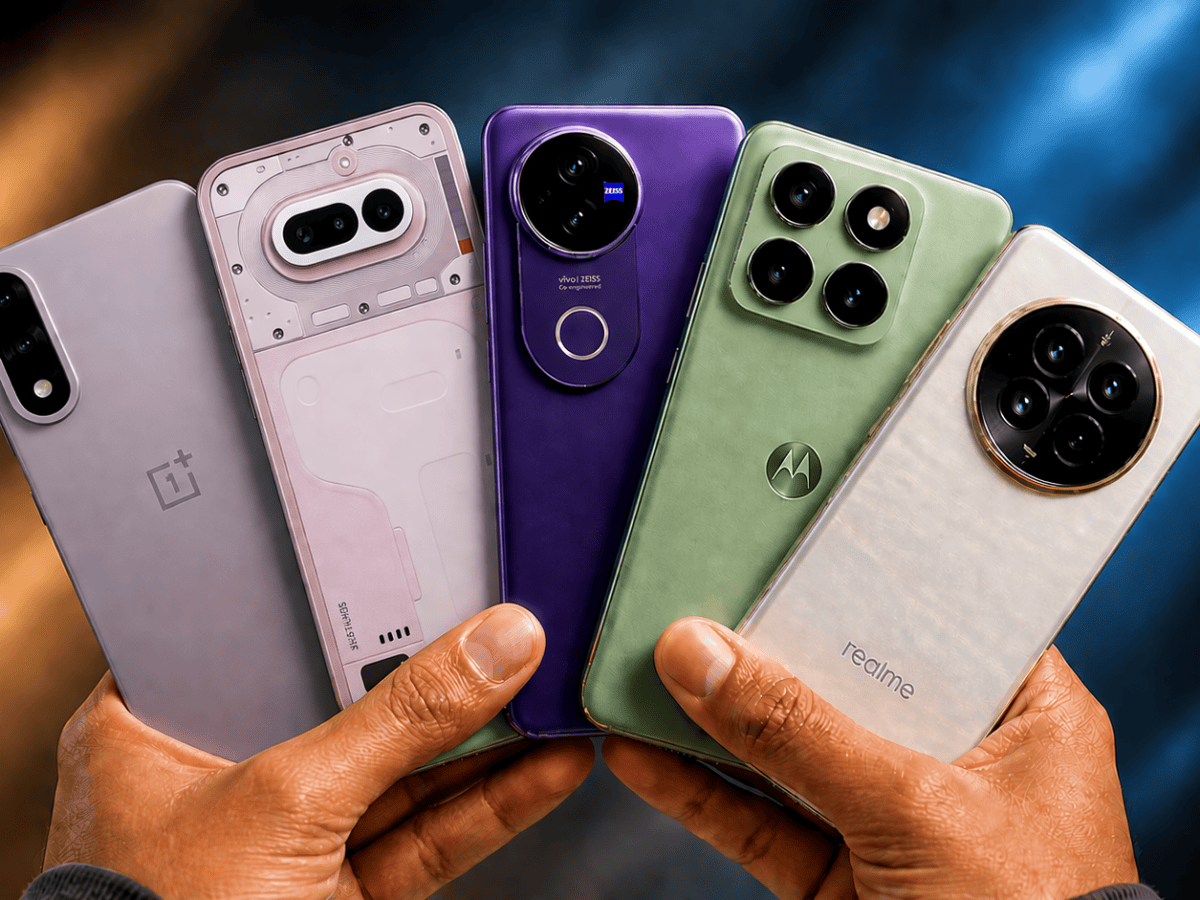
Introduction
One of the biggest criticisms of Android phones is that they don’t last as long as iPhones. While there’s some truth to this, the answer isn’t as straightforward as it seems.
Historically, many Android manufacturers only provided one or two years of software updates, whereas Apple often supported iPhones for five years or more. This helped build the perception that iPhones were the better long-term investment.
Today, however, the landscape has changed. Several Android manufacturers now promise up to seven years of Android and security updates on their flagship devices, significantly narrowing the gap. At the same time, not all Android phones receive the same level of support, and factors such as battery health, hardware quality, and app compatibility play just as important a role in determining how long a phone remains usable.
The real question isn’t “How long does an Android phone last?”, it’s “How long is it practical to keep using one?”
The answer depends on several factors, including software support, battery health, hardware reliability, and whether the apps you rely on continue to work.
The Different “Lifespans” of an Android Phone
An Android phone doesn’t have a single lifespan. Instead, several factors determine how long it remains practical to use. A phone may still function perfectly from a hardware perspective while no longer receiving software updates, or it may receive updates for years but need a battery replacement long before then.
Understanding these different “lifespans” will help you decide whether it’s worth keeping your current phone or if it’s finally time to upgrade.
1. Hardware Lifespan
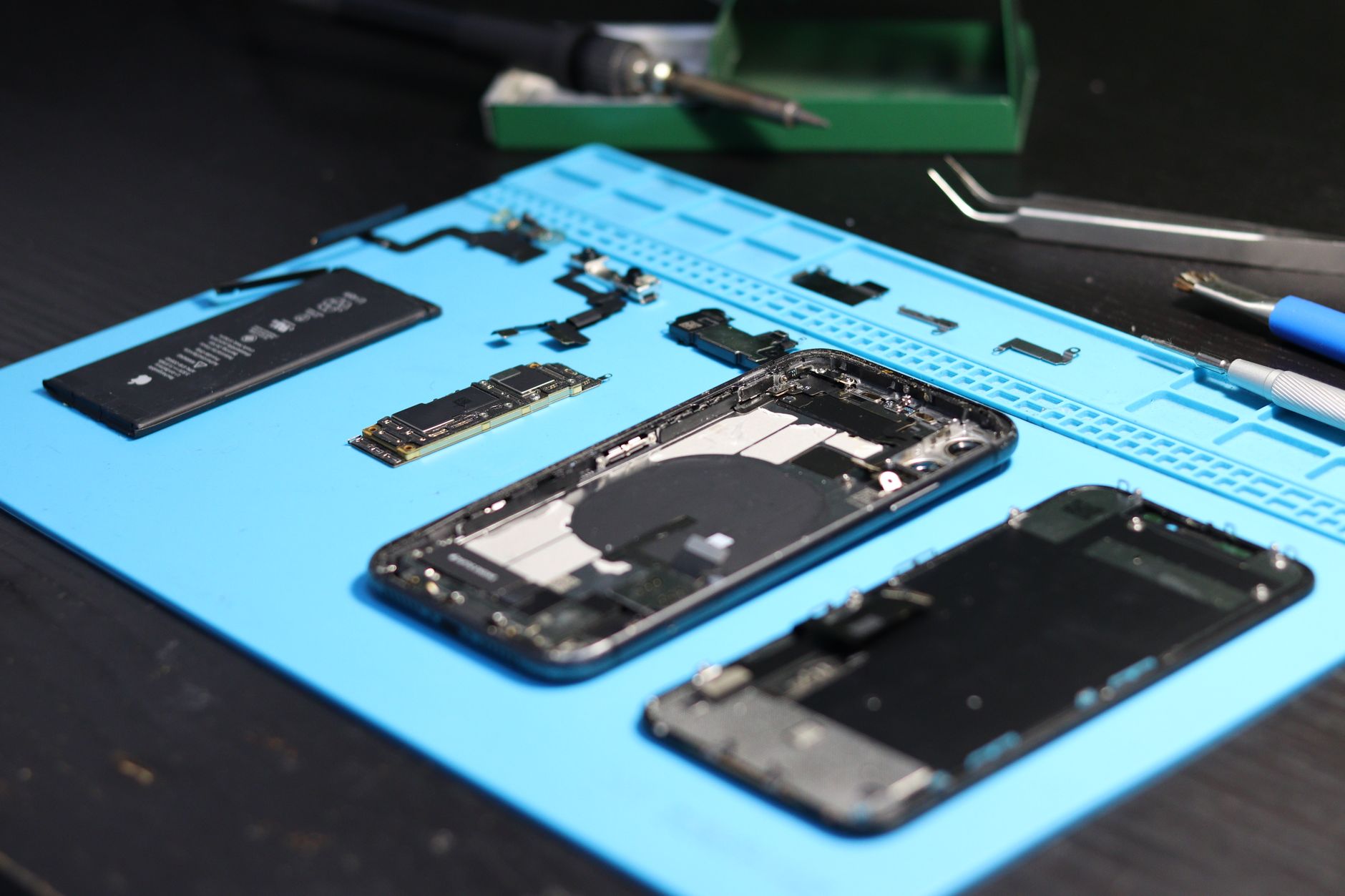
Most Android phones can physically last 5 to 8 years, or even longer with proper care.
The processor, display, cameras, speakers, and storage usually don’t fail overnight. Instead, wear and tear slowly builds up over time.
Common hardware issues include:
- Battery degradation
- Worn charging port
- Broken power or volume buttons
- Display damage
- Aging flash storage (rare)
However, a phone’s longevity isn’t determined solely by how long its hardware lasts. It also depends on whether replacement parts remain available.
Components such as the battery, display, charging port, and buttons are all replaceable, but their availability varies between manufacturers and even individual phone models. While independent repair shops may continue sourcing compatible parts for several years, obtaining original OEM replacement parts through an authorised service centre becomes increasingly difficult as a device ages.
I spoke with a representative at a nearby authorised realme service centre, who explained that, in India, manufacturers generally continue stocking spare parts for around 2 to 3 years after a phone’s launch. In practice, three years is a realistic expectation for official hardware support, although popular models may have parts available for longer, while less popular devices may reach end of support sooner.
This doesn’t necessarily mean your phone becomes unusable after that period. Batteries, displays, and charging ports can often still be repaired using aftermarket or refurbished parts, though the quality and availability may vary.
2. Software Support
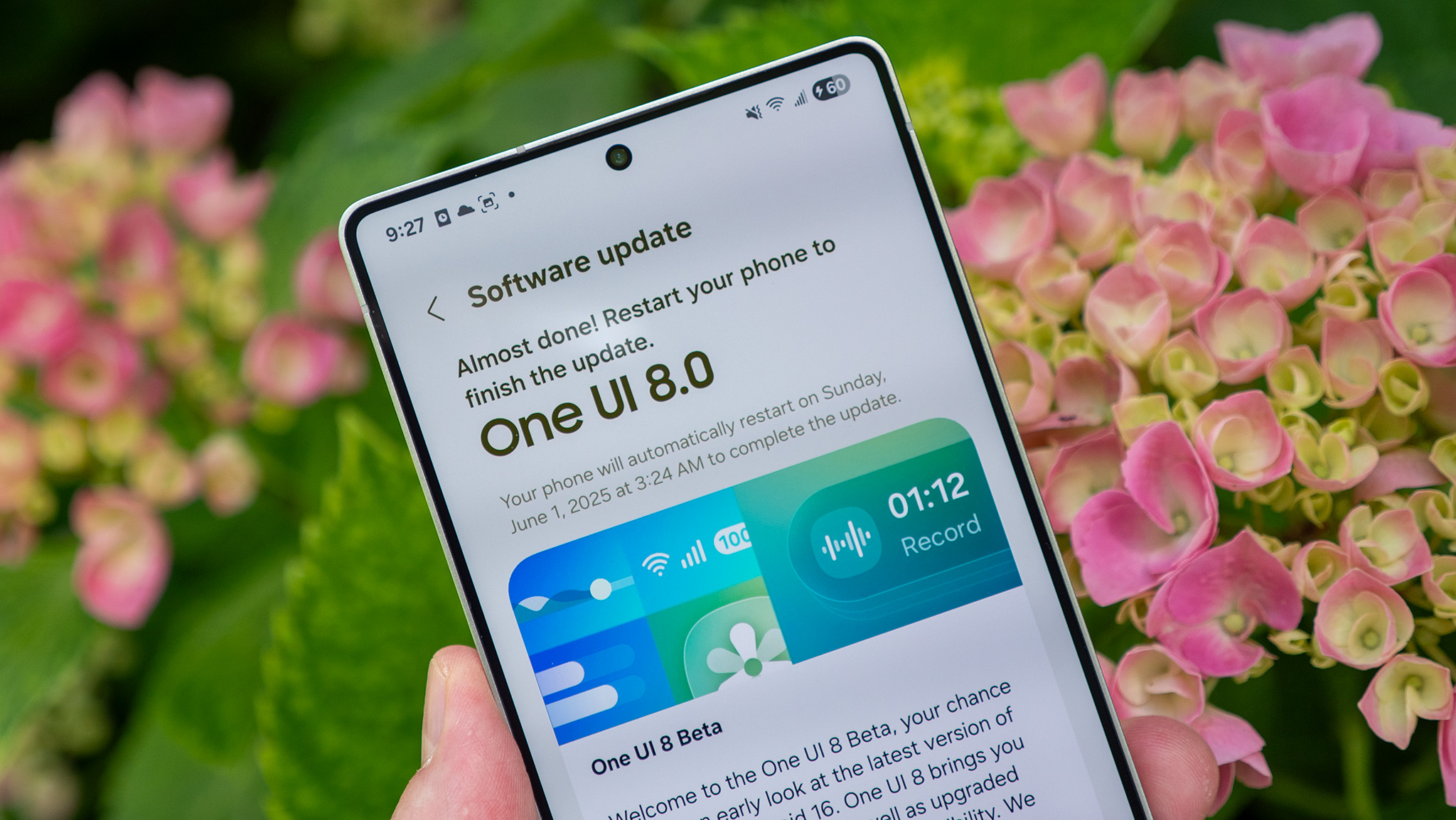
For most people, software support is the biggest factor in determining how long an Android phone remains practical to use.
Unlike iPhones, where software support is controlled by a single company, Android update policies vary between manufacturers. Most manufacturers provide two types of updates:
- Android version upgrades, which introduce new features and improvements.
- Security updates, released monthly or quarterly, that patch newly discovered vulnerabilities.
For example, many manufacturers currently offer:
- Up to 7 years of Android and security updates on flagship devices (such as Google and Samsung).
- Around 4 years on many upper mid-range and premium devices.
- 2 to 3 years on many budget and mid-range smartphones.
Once official software support ends, you will typically:
- Stop receiving new Android features.
- No longer receive security patches for newly discovered vulnerabilities.
- Eventually find that some apps no longer support your version of Android.
However…
A phone doesn’t suddenly become unusable the day updates end.
Many people continue using unsupported phones safely for years if they practice good security habits. App compatibility is usually what determines a phone’s usable lifespan (more on that later).
3. Battery Lifespan
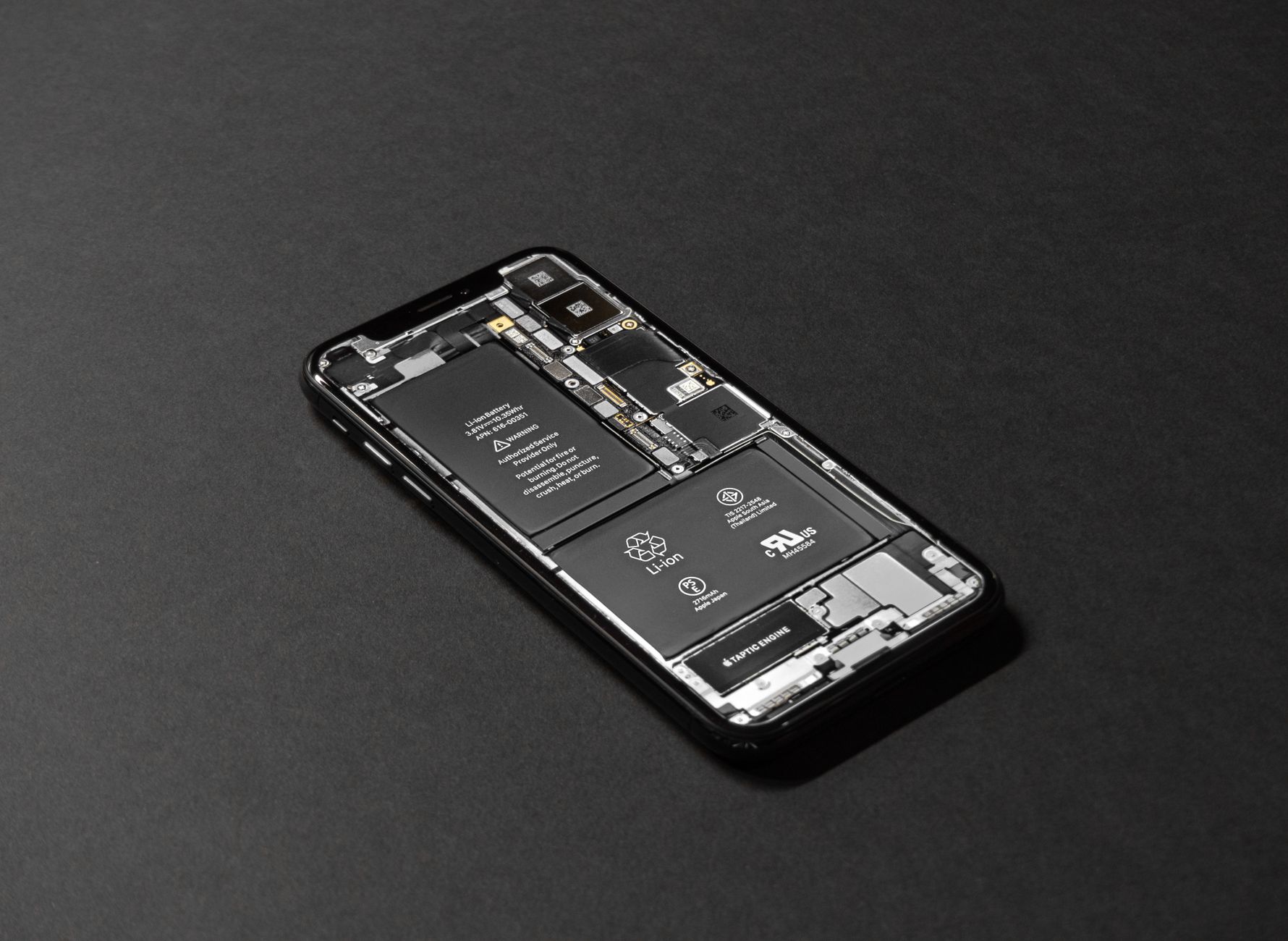
The battery is usually the first major component to wear out.
Most lithium-ion batteries retain around 80% of their original capacity after roughly 500–1,000 charge cycles, depending on battery chemistry, charging habits, and temperature.
Common signs that your battery may need replacing:
- Battery drains quickly
- Unexpected shutdowns
- Overheating
- Significant performance throttling
For most users, a smartphone battery lasts around 3 to 5 years before its reduced capacity becomes noticeable enough to affect day-to-day use. Replacing the battery can often make a 5-year old phone feel significantly newer and extend its usable life.
4. App Compatibility
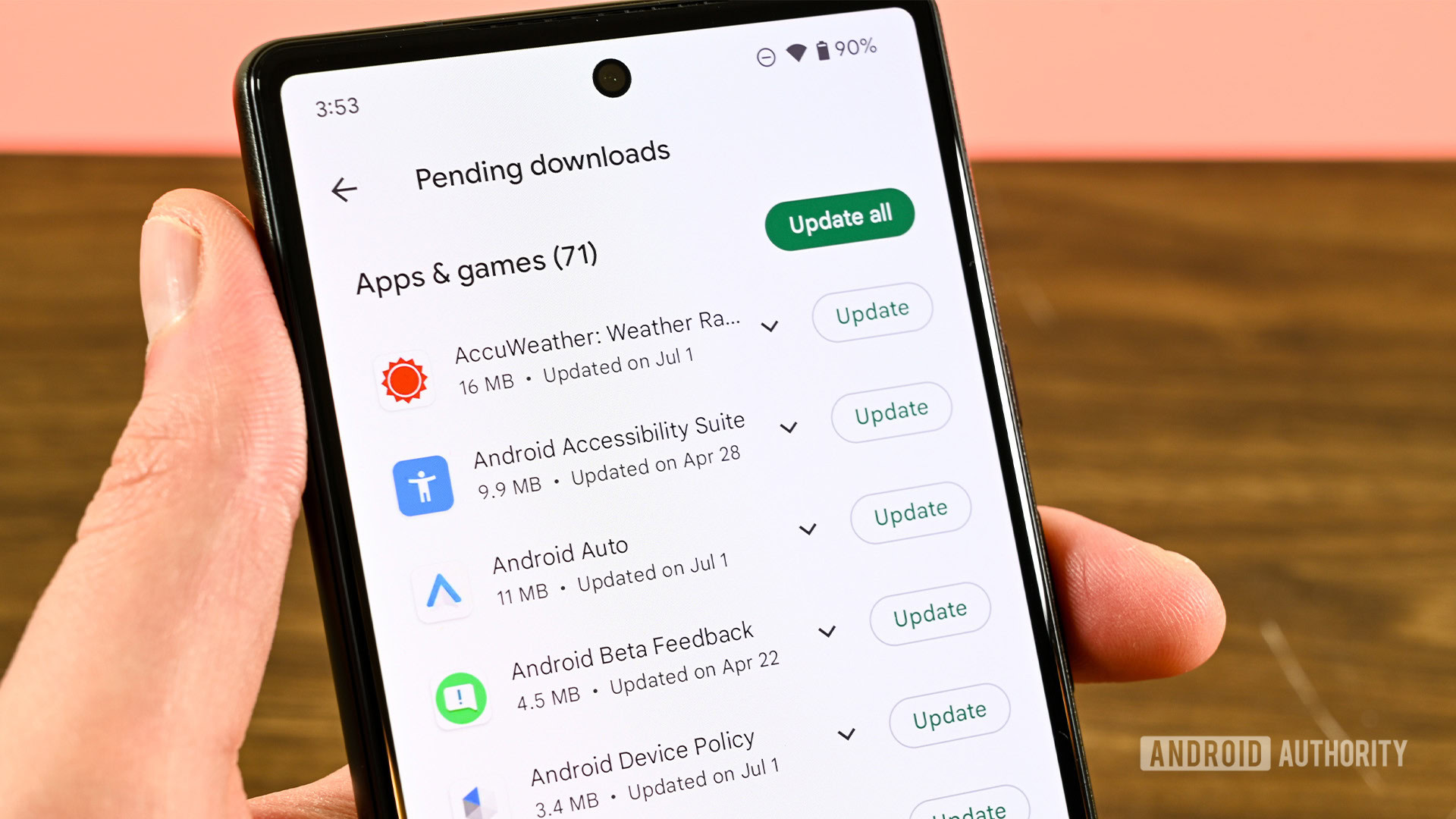
Even if your phone’s hardware is still in excellent condition, app compatibility will eventually determine how practical it is to keep using.
As Android evolves, developers gradually raise the minimum Android version required for their apps. This allows them to take advantage of newer APIs, security improvements, and platform features while reducing the effort needed to support older versions.
In practice, many popular apps including messaging, social media, and streaming services—continue supporting Android versions that are several years old (often up to 8 years). Financial apps, such as mobile banking and digital payment apps, generally adopt newer Android requirements sooner because of stricter security standards and regulatory requirements, with support generally lasting around 5 years.
Examples of apps that generally lose compatibility sooner include:
- Banking apps (very common)
- Password managers
- Some Productivity apps
- Few Streaming services
This usually happens years after software support ends, not immediately.
Google Play Services: The Hidden Requirement
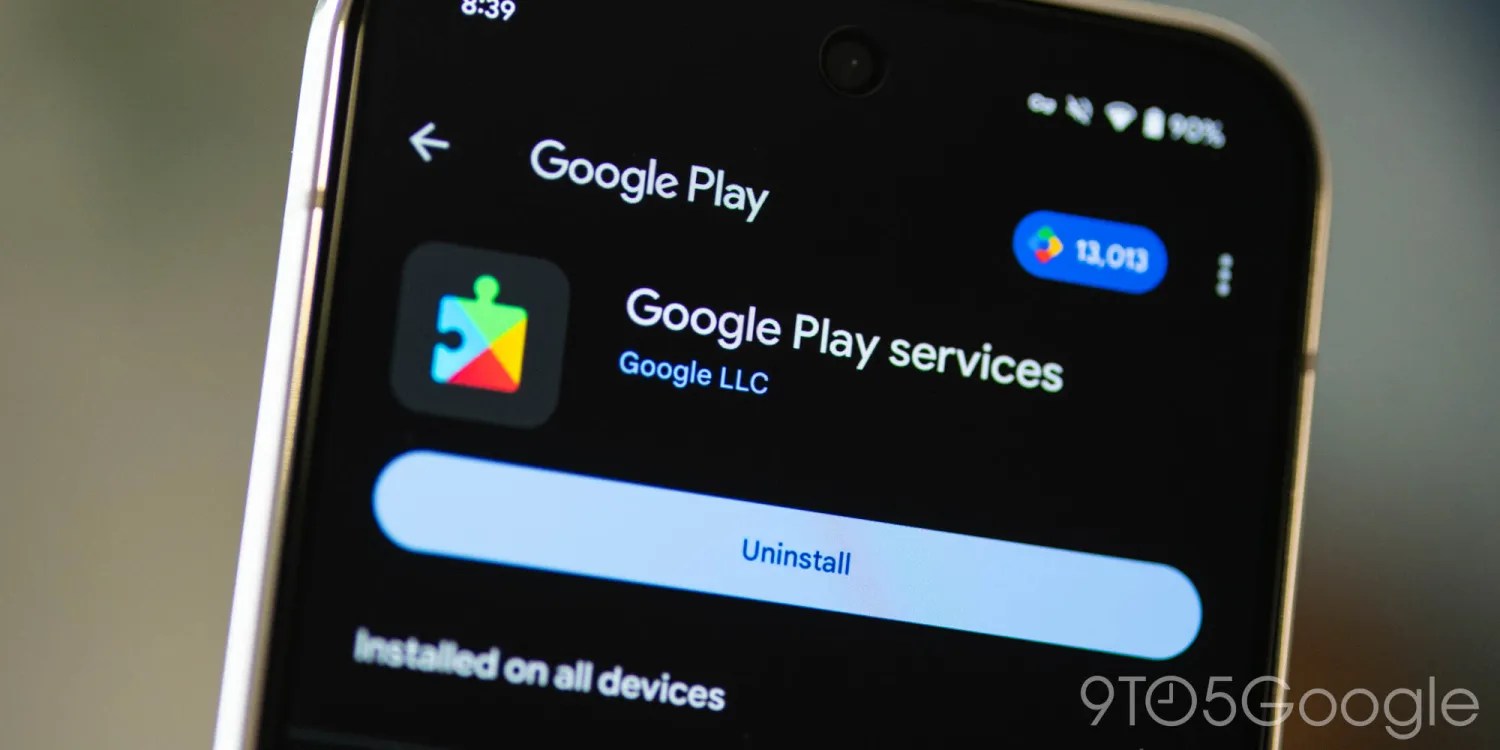
App compatibility isn’t determined solely by the app developer, Google Play Services also plays a significant role.
Many apps rely on Google Play services for essential features such as authentication, location services, push notifications, in-app payments, and security checks. As a result, an app may refuse to launch, or some of its features may stop working, if Google Play services is unavailable or no longer supports your version of Android.
This is why you may occasionally see users report that an app officially supports their Android version, yet the latest version won’t run because Google Play services has ended support for that version. In such cases, users often have to install an older version of the app instead.
A recent example is Android 6.0 (Marshmallow). Although the operating system was released in 2015, Google continued supporting it through Google Play services for nearly 11 years before ending support in July 2026. This allowed some apps to continue functioning long after the operating system itself stopped receiving updates.
Overall, it’s reasonable to expect most mainstream apps to remain compatible with an Android phone for 5 to 6 years, depending on its final Android version and whether Google Play services continues supporting it.
Ultimately, app compatibility tends to be the factor that finally determines when an otherwise functional Android phone becomes impractical for everyday use.
What Actually Forces People to Upgrade?
Surprisingly, it’s often not performance.
Most people upgrade because:
- Battery life becomes frustrating.
- Camera quality falls behind newer phones.
- Storage fills up.
- Apps require newer Android versions.
- Security updates have ended.
- Physical damage becomes expensive to repair.
Realistic Lifespan by Phone Category
The table below reflects my own realistic estimates and should be viewed as informed opinions rather than definitive facts. These estimates are based on the factors discussed throughout this article, including hardware durability, software support, battery lifespan, app compatibility, spare part availability, and the likely cost of repairs as a phone ages.
| Phone Type | Android update policy (typical) | Realistic Lifespan |
|---|---|---|
| Budget phones (Under 20K) | 0 – 1 upgrades | 3-5 years |
| Mid-range phones (25K-35K) | 2 upgrades | 4-6 years |
| Premium phones (35K-60K) | 3-4 upgrades | 5-7 years |
| Flagship phones (60K+) | 4-7 upgrades | 6-8 years |
Note: These estimates assume the phone hasn’t suffered accidental damage and that the battery is replaced if necessary. Heavy gaming, poor charging habits, or expensive repairs can shorten a phone’s practical lifespan.
How I Arrived at These Estimates?
In India, authorised service centres generally stock original spare parts for around three years after a phone’s launch, although this varies depending on the manufacturer and the popularity of the model. This means that during this period, replacing components such as the battery, charging port or display is generally straightforward and reasonably predictable.
Beyond that point, the hardware itself is rarely the limiting factor. Modern smartphone processors, displays, and storage are capable of remaining useful for many more years, provided the device is well cared for and doesn’t suffer major physical damage.
When it comes to software support, a phone doesn’t suddenly become obsolete just because it stops receiving Android updates after two or three years. As discussed earlier, most popular apps continue supporting older Android versions for several more years, allowing many devices to remain perfectly usable long after official software support has ended.
Taking all of these factors into account, I believe that five years is a realistic lifespan for the average Android phone, assuming it has been reasonably well maintained. Of course, if the device continues receiving Android and security updates beyond the typical two or three years, its realistic lifespan can easily extend to around six or even seven years.
Why Do Flagships Last Longer?
Flagship phones tend to outlast budget and mid-range devices for reasons beyond just faster processors or longer software support.
Manufacturers usually produce fewer flagship models each year, making them their showcase devices. As a result, they are generally more willing to support these phones with longer software update commitments and, in many cases, maintain spare-part availability for a longer period.
A good example is OnePlus’s well-known green line display issue in India. During the peak of the problem, OnePlus announced free screen replacements, but replacement displays for some affected models became difficult to obtain. As such, the company offered discount vouchers instead of repairs due to limited spare-part availability.
Many of the affected devices were older mid-range and premium models, illustrating how spare-part availability can become a limiting factor — even for a popular smartphone brand like OnePlus.
Repair economics also favour flagship phones. Spending ₹8,000 on a display replacement may not make financial sense for a ₹25,000 phone, but it is often worthwhile for a flagship that originally cost ₹70,000 or more.
For this reason, I believe flagship phones generally have the best chance of remaining practical for six to eight years or more, provided the hardware continues functioning and replacement parts remain available.
Can You Keep Using a Phone After Updates End?
Yes. Millions of people do.
A phone doesn’t suddenly become unusable the day it stops receiving Android or security updates. If it still meets your needs and you follow good security practices, it can remain a perfectly usable device for several more years.
That said, even if you eventually decide to retire it as your primary phone, an older Android phone can still serve many useful purposes. For many people, an unsupported phone still makes an excellent secondary device for:
- Music streaming
- Smart home control
- GPS navigation
- Media player
- Security camera
- E-reader
- Backup Phone
When Should You Actually Upgrade?
Ultimately, there’s no fixed age at which you must replace your Android phone. Instead, consider upgrading when your current device can no longer meet your daily needs.
It may be time for a new phone if:
- The battery no longer lasts a full day, and replacing it is difficult.
- Apps you rely on no longer work.
- Repairs cost more than the phone is worth.
- Storage limitations become a daily frustration.
- Performance has become noticeably sluggish.
If your phone still does everything you need, there’s little reason to upgrade simply because it’s a few years old.
Final Thoughts
As we’ve seen throughout this article, an Android phone doesn’t have a fixed expiration date. Its lifespan is influenced by several factors. If I had to pick the single biggest factor, it would be software support. Once a phone stops receiving updates, the clock slowly starts ticking on app compatibility and long-term security.
However, software support isn’t the only measure of a phone’s usefulness. With a healthy battery and hardware in good condition, many Android phones remain perfectly capable long after official updates have ended.
That said, I’m not suggesting that everyone should stop upgrading their phones on a fixed schedule. Many people upgrade by choice rather than necessity. Some replace their phones every few years to maximize resale or trade-in value, and that’s a perfectly reasonable approach. Others simply enjoy having the latest technology and features.
Ultimately, there’s no right or wrong upgrade cycle. It depends on your needs, priorities, and budget.
Personally, I usually recommend that my family members upgrade their phones after around five years. Since they typically buy mid-range Android phones that receive around two years of Android version updates, I find that five years is a practical balance between getting good value from the device and avoiding rising repair costs or app compatibility issues (based on the estimates discussed earlier in this article)1.
However, if their phone is still performing well after five years and they want to keep using it, I don’t discourage them. In most cases, I simply recommend replacing the battery if its health has noticeably declined (provided it’s economically worthwhile).
We also keep one of our old phones as a backup device instead of immediately selling or recycling it. Having a spare phone can be surprisingly useful if someone’s primary device needs repairs, gets damaged, or is lost.
Ultimately, there isn’t a single “correct” time to replace an Android phone. If your needs are modest and your phone continues to perform reliably, there’s little reason to upgrade simply because it’s a certain number of years old. In fact, keeping a phone for longer is often the more economical and environmentally friendly choice.
The best time to upgrade isn’t when your phone reaches a certain age — it’s when it no longer meets your needs.





Leave a Reply