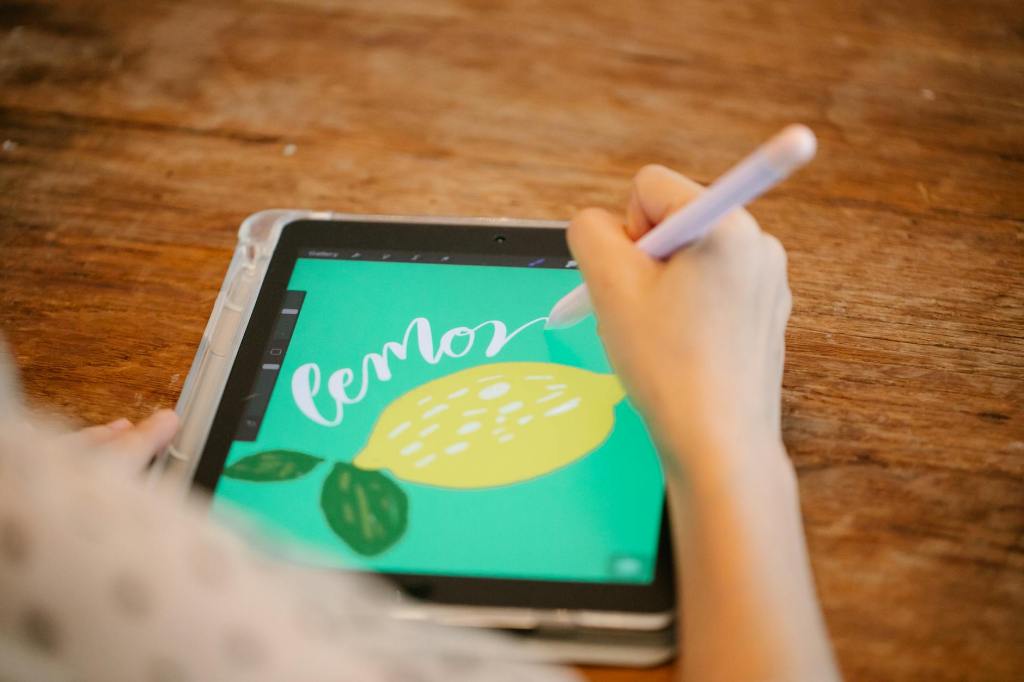
Digital art has become more accessible than ever, and you don’t need expensive software to start creating stunning illustrations. Whether you’re an aspiring artist looking for a free alternative, there are plenty of powerful drawing apps available for Windows, macOS, Android, iOS and iPadOS. In this blog, we’ll explore the best free drawing apps you can download right now.
Now, the set of applications mentioned here are mainly based on the feature set and the necessary tools that qualify an application to be (at least in my books) a certified app for Digital Art. Here are some of the tools and features considered essential and, in some cases, optional for a proper digital art experience. This is not a strict criterion, but rather the general standard commonly followed by illustrators and digital artists.
Essential
- Layers & Groups
- Clipping Mask
- Blending Modes
- Brush Selection & Stabilization
- Liquify
- Color Adjustments
Optional
- Guides & Symmetry
- Shapes
- Reference/Preview
- Animation Tool
Before we dive into the list of applications, you can check out art4anj studio’s video explaining many of the features and tools mentioned above. TBH, I essentially took inspiration from that video while putting together this list of essential features. That said, these tools are still considered the bare necessities for most people getting into digital art.
Recent Updates
15/05/26: Reformatted the text, updated the description and also added a new application to the recommendation list.
08/07/26: Updated the description to correct a grammatical mistake.
1. Adobe Fresco
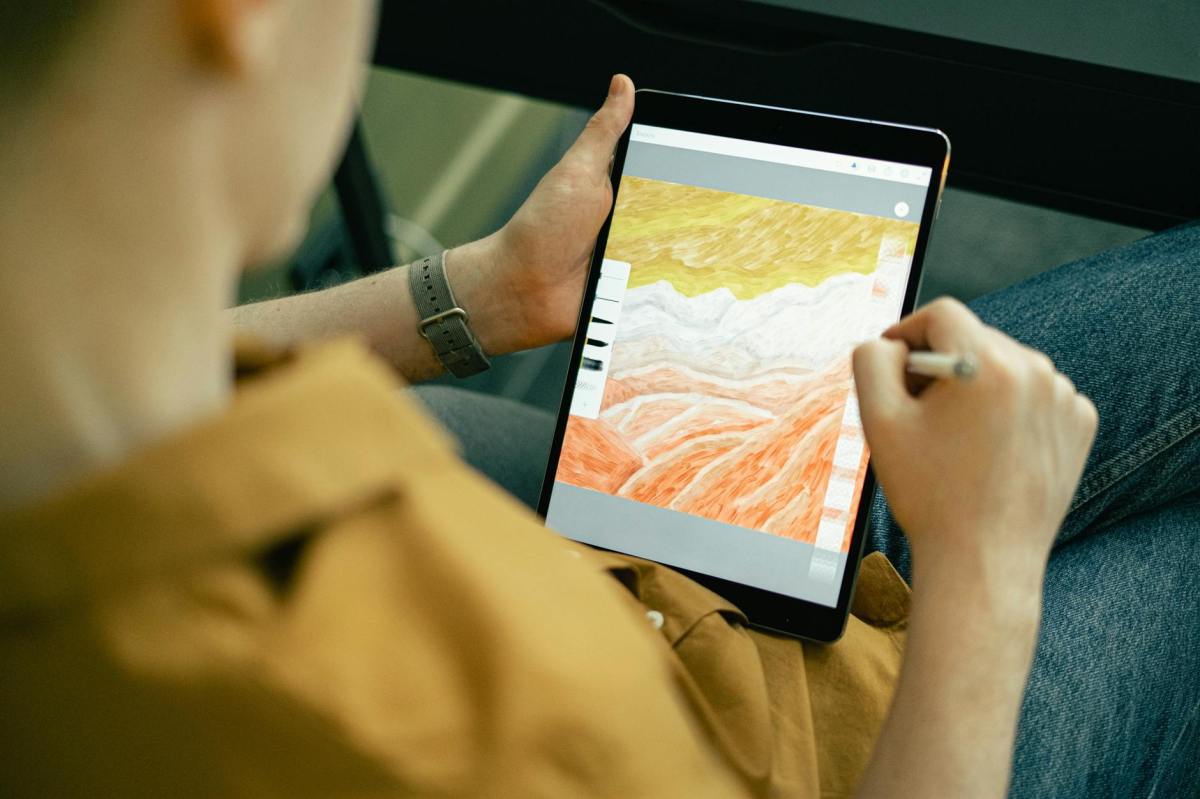
Adobe Fresco is a free drawing app designed for artists who love natural painting and sketching. It offers a wide variety of brushes, including Live Brushes that mimic real-life watercolor and oil painting effects. Adobe Fresco is currently free to use, but it’s unclear how long that will remain the case. Enjoy it while it’s available at no cost.
- Available on : Windows, iOS & iPadOS
2. ibis Paint X
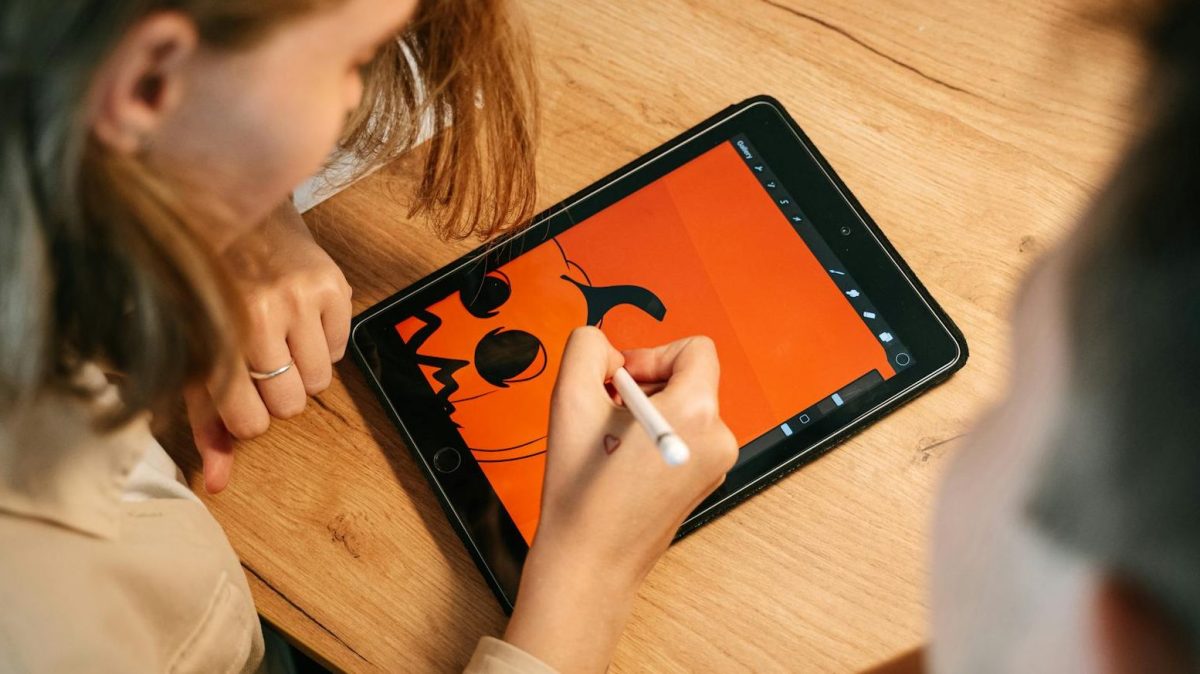
ibis Paint X is one of the most popular free drawing apps for mobile and tablet users. It offers a huge set of features, including over 380 brushes, layer support, and blending modes, making it great for both beginners and experienced artists. The app also provides stroke stabilization and has an active online community for tutorials and inspiration.
The free version is ad-supported. To unlock all brushes, you need to watch a single 30-second ad, which grants access for 4 hours—a fair trade for free users. Ads can be removed with a one-time purchase (of the ibis Paint app).
- Available on : Android, iOS, iPadOS & Windows
3. HiPaint
HiPaint is often seen as a Procreate clone, offering a similar interface and experience. It comes with a good range of brushes, layers, and blending modes, making it suitable for beginners who want a simple yet capable drawing app.
HiPaint is ad-supported, but most core features are available for free. However, unlike ibis Paint X, where premium tools can be unlocked by watching ads, some advanced tools in HiPaint are locked behind a paywall.
- Available on : Android, iOS & iPadOS
4. Krita
Krita is a professional-grade open-source drawing and painting application. It’s designed for digital painters, illustrators, and concept artists, offering advanced tools without any cost. Krita supports layer-based editing, a powerful brush engine, and even PSD file compatibility.
- Available on : Android, Linux, macOS & Windows
5. iArtbook
iArtbook includes many of the essential tools required for digital art, including layers, clipping masks, blending modes, stabilizers, customizable brushes, symmetry tools, and pressure sensitivity support for the Apple Pencil.
Despite being completely free, iArtbook offers a surprisingly feature-rich workflow suitable for sketches, illustrations, and detailed artwork. The interface may feel slightly overwhelming at first for complete beginners, but overall it remains one of the better free digital art apps currently available for iPhone and iPad users.
- Available on : iOS & iPadOS
Conclusion:
Whether you’re into sketching, digital painting, or creating comics, these free apps offer powerful features without costing a dime. Choose the one that fits your workflow and start creating today!



Leave a Reply