
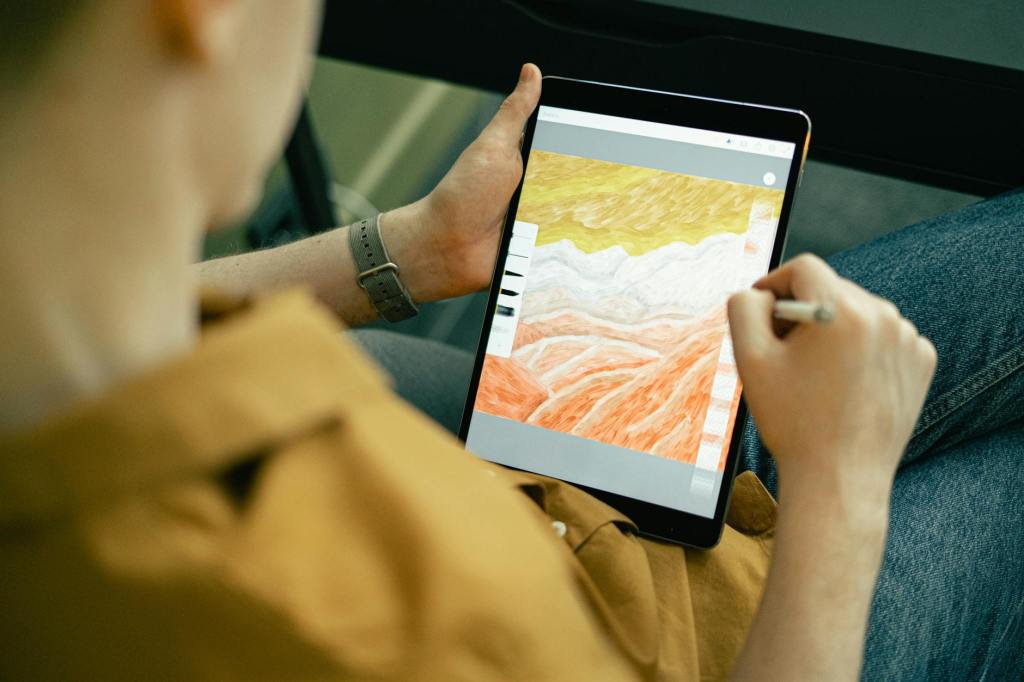
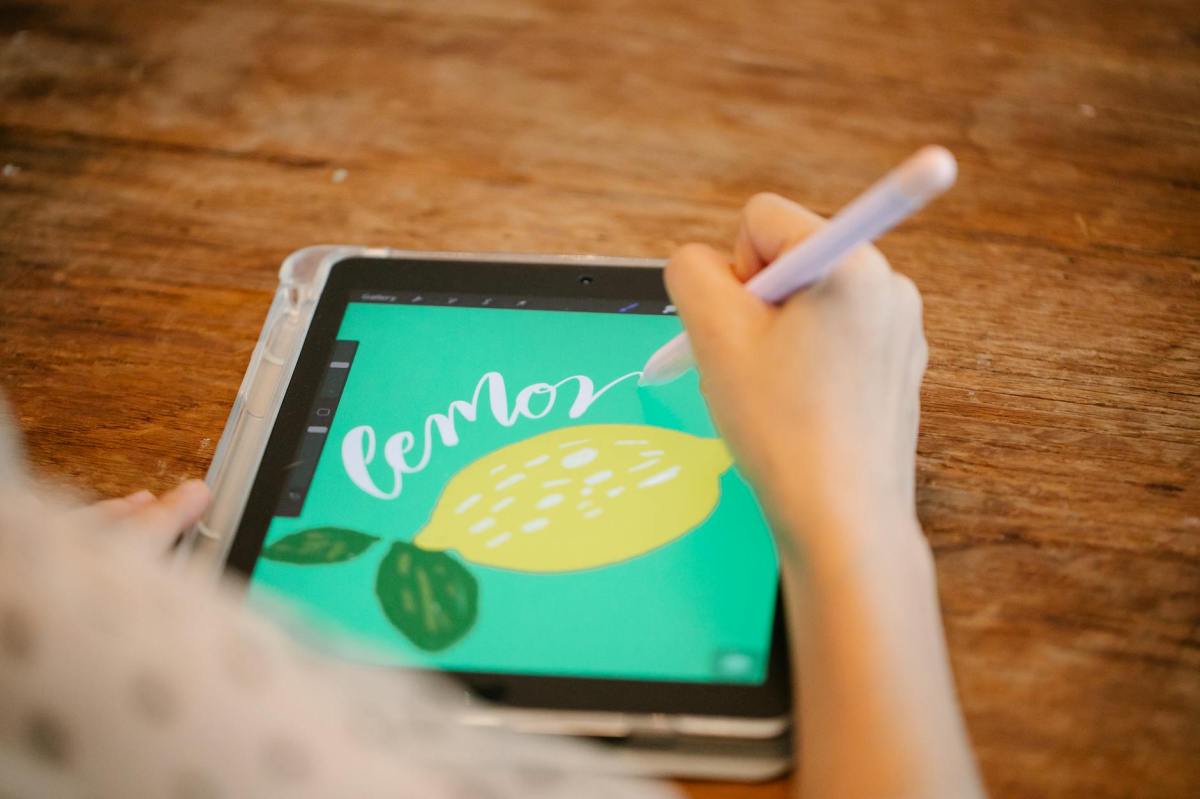
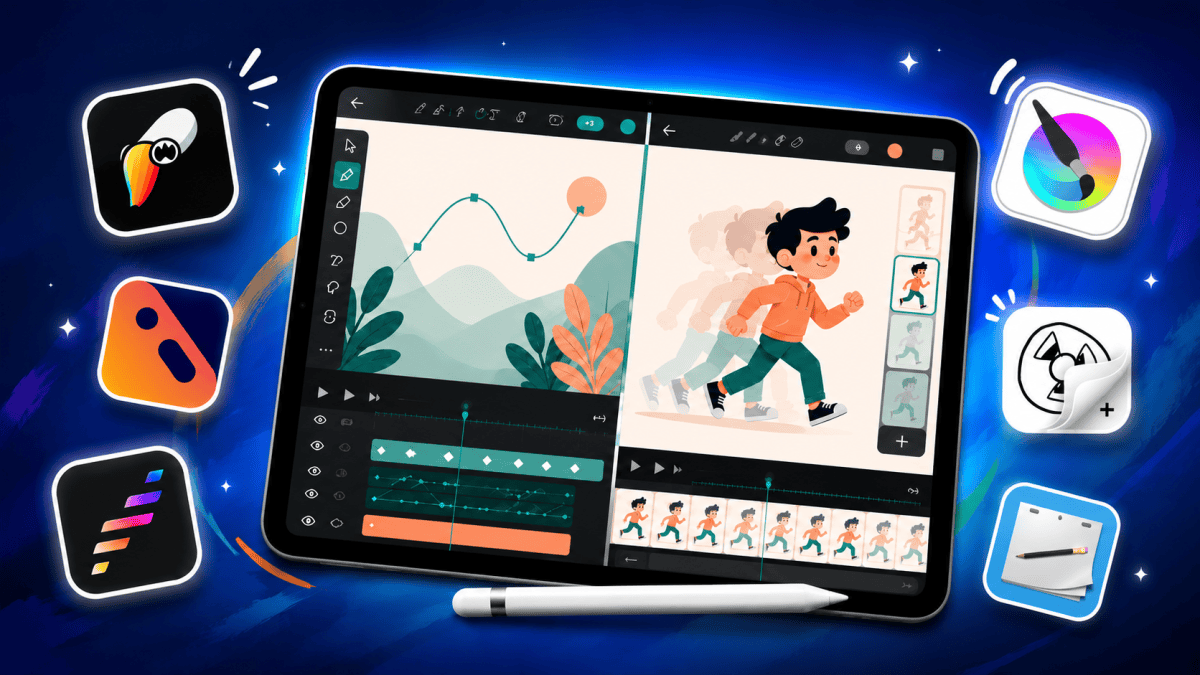
In this blog, I’ll cover some of the best tablets for digital artists, illustrators, animators, graphic designers, and other creative professionals who want a portable device for drawing, sketching, animation, and content creation.
Unlike regular multimedia-focused tablets, a good tablet for digital art requires far more than just a good display. Factors like stylus quality, palm rejection, software ecosystem, app availability, display calibration, processing power, latency, and long-term software support become far more important for creative workflows.
To keep this list practical and value-focused, I am only going to recommend tablets under ₹60,000. Once you cross the 60K price segment, choosing an iPad generally makes far more sense for most digital artists and animators due to the significantly better software ecosystem, longer software support, app optimization, and overall reliability for creative workflows.
Coming to the available options, we primarily have tablets running Android and iPadOS in this category. Some users may also consider Windows-based tablets from brands like Samsung, ASUS, or the Microsoft Surface Pro series. However, most good Windows tablets usually cost well above the ₹60K range, which is why I won’t be including them in this list.
Similarly, dedicated Android drawing tablets like the Wacom MovinkPad Pro 14 are also priced significantly higher. While it is undoubtedly a very capable drawing tablet, it becomes difficult to justify the pricing considering it runs Android, and Wacom has not clearly committed to long-term software update support.
That said, for this post, I’ve selected a few tablets mainly based on their stylus experience, performance, display quality, value for money, and overall practicality for digital artists and animators.
- I have avoided adding tablets that mainly rely on USI stylus support, since they are generally not ideal for serious illustration or animation work.
- However, if you are a beginner or just want a tablet for basic sketching and casual drawing, USI stylus tablets can still be an affordable option. You can check out my post on the best tablets under ₹30,000 for those recommendations instead.
- I would also avoid spending above ₹40,000 on Android tablets for illustration or animation unless it is a Samsung or Wacom Tablet.
- All tablets listed here are also recommended or tested by artists and illustrators such as Brad Colbow, so these recommendations are genuinely aimed at artists and creators.
Note:
1. The prices of the tablets listed may change occasionally. The prices below reflect typical sale prices.
2. Tablets with stylus support may not include one in the box and may need to be purchased separately.
3. The following are ranked based on price and availability.
1. Samsung Galaxy Tab S10 Lite
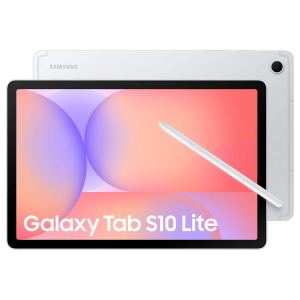
 | 10.9″ TFT LCD, 90Hz |
 | Exynos 1380 (5 nm) 6/128GB |
 | WiFi / WiFi+5G |
 | 8000 mAh 25W wired |
 | Stylus Supported |
The Galaxy Tab S10 Lite is currently one of the most affordable tablets that offers a high-quality stylus experience for illustration and drawing. It features the same excellent S Pen found on Samsung’s newer and more powerful tablets, but at a much lower price point.
2. Apple iPad 2025
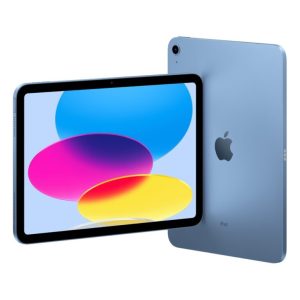
| 11″ Liquid Retina IPS LCD 500 nits (typ) |
| A16 Bionic (4 nm) 4/128GB |
| WiFi / WiFi+5G |
| 7606 mAh |
| Stylus Supported |
The iPad 2025 (also known as the 11th Gen iPad) is actually a great option if you’re into sketching or other illustration work. Combined with iPadOS and its massive app library, it offers a significantly better tablet experience than Android — especially when it comes to the number of apps available and how well they’re optimized on iPadOS.
But make sure you pick up the gen one Apple pencil and not the USB-C pencil. The USB-C version doesn’t have pressure sensitivity and isn’t great for art.
3. Samsung Galaxy Tab S10 FE
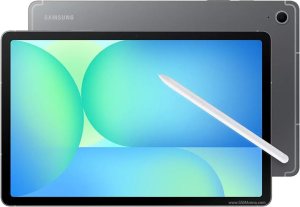
| 10.9″ IPS LCD, 90Hz 600 nits (typ) |
| Exynos 1580 (4 nm) 8/128GB |
| WiFi / WiFi+5G |
| 8000 mAh 45W wired, QC2.0 |
| Stylus Supported |
The Galaxy Tab S10 FE offers a drawing experience that’s nearly identical to the S9, but at a lower price. It’s essentially the successor to the S9 FE from a few years ago, bringing moderate improvements across the board. There’s also a larger 13-inch variant (S10 FE+) available if you find the standard FE model a bit too small for drawing or media consumption.
That said, the S10 FE is arguably a better buy than the S10 Lite overall — although it is still priced a little high. I’m hoping for a price drop later this year, but with the ongoing DRAM supply issues, I’m not too sure how likely that is.
4. Apple iPad mini (2024)
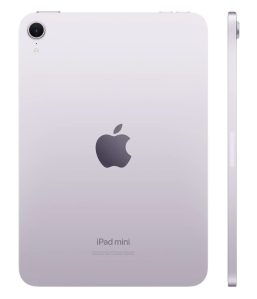
| 8.3″ Liquid Retina IPS LCD, 500nit (typ) |
| Apple A17 Pro (3 nm) 8/128GB |
| WiFi / WiFi+5G |
| 5078 mAh |
| Stylus Supported |
The Mini isn’t for everyone, but if you like drawing on the go and want something that feels like a portable sketchbook, this could be perfect for you. It’s a solid tablet with a capable processor and a very good display. As a multimedia device that can also handle illustration work, it performs really well. However, it’s not exactly ideal for heavier animation-focused workflows.
5. Apple iPad Air 11
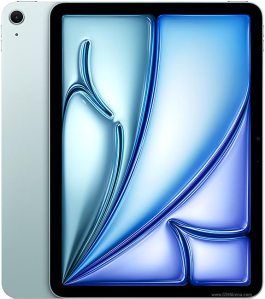
| 11″ Liquid Retina IPS LCD, 500nit (typ) |
| Apple M4 12/128GB |
| WiFi / WiFi+5G |
| 7606 mAh |
| Stylus Supported |
The iPad Air 11 and even the Air 13 are excellent devices for both illustration and animation work. In fact, for serious animation-focused workflows, the iPad Air is arguably one of the best tablets to consider, thanks to its powerful processor and strong app ecosystem.




Leave a Reply