
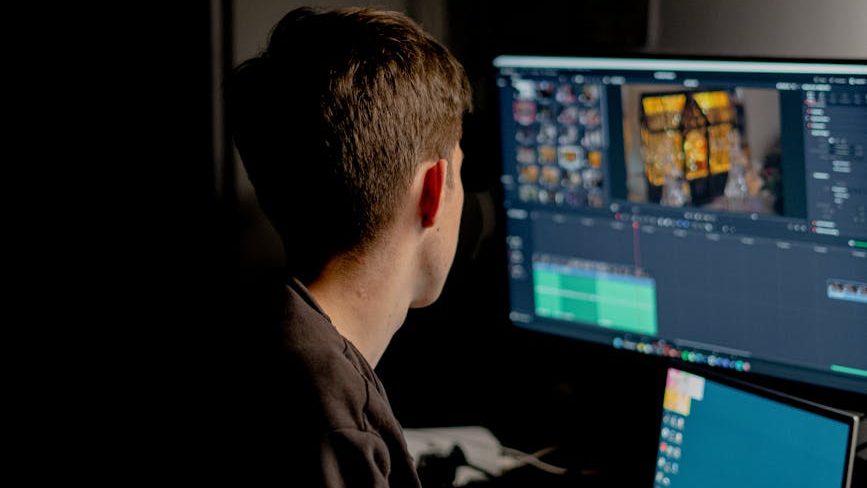
In this guide, I’ve rounded up some of the best 27-inch and 32-inch monitors for basic video editing and graphic design, focusing primarily on QHD and UHD displays that offer sharp resolution and dependable color performance. The list prioritizes budget-friendly options priced around or below ₹30,000, making them suitable for editors, designers, and content creators looking for high value without a premium price tag.
Some monitors were excluded from this list, even though they looked good on paper. In many cases, the issue was the absence of dedicated color profile modes like DCI-P3 or Display P3. Without these presets, it can be harder to work accurately in specific color spaces like sRGB, Display P3, or Rec.709, especially if you don’t have a hardware display calibrator. In a few instances, I also couldn’t find reliable information confirming whether the monitors offered an average Delta E ≤ 2, which made them harder to recommend with confidence.
It’s also worth mentioning that not every monitor in this list is factory calibrated. However, the ones included generally offer decent color accuracy out of the box. With proper calibration, they can deliver even better and more reliable color performance.
While professionals who rely heavily on color-critical work usually invest in calibration tools, this guide is meant to keep things simple and practical. The goal is to recommend monitors that are good enough to start working with immediately, while still allowing users to fine-tune the colors later if they choose to calibrate their display.
Selection Criteria:
To keep this guide practical and budget-friendly, I used the following criteria while selecting the monitors featured in this list:
- Screen Size
Since this guide is intended mainly for a home office or personal workspace, I limited the list to 27-inch and 32-inch monitors, which provide enough screen real estate for editing timelines, toolbars, and design work without requiring an excessively large desk setup. - Resolution
Only QHD (2560×1440) and UHD/4K (3840×2160) monitors were considered. These resolutions provide the pixel density required for sharp visuals and better detail when editing photos, videos, or graphics. - Panel Type
I avoided VA panels due to their tendency to show slight color shifting and less consistent color reproduction compared to IPS displays. IPS panels are generally preferred for creative work because they provide better color accuracy and consistent colors across wide viewing angles. - Color Accuracy and Profiles
Monitors included in this list provide dedicated color profile modes and strong color performance, ideally offering:- 99%-100% sRGB and Rec.709
- 90% or higher DCI-P3 coverage
- Average Delta E < 2 for accurate color reproduction
- Adobe RGB Coverage
While AdobeRGB is useful for print-focused workflows, I couldn’t find many affordable monitors under ₹32,000 with strong AdobeRGB coverage, so it wasn’t treated as a strict requirement. - Color Depth
Preference was given to monitors supporting full 10-bit color or 10-bit (8-bit + FRC), which can simulate a much wider color range and smoother gradients than standard 8-bit panels. - Minimum Brightness
Each monitor included in this guide offers at least 300 nits of brightness, which is generally sufficient for comfortable editing in most indoor environments.
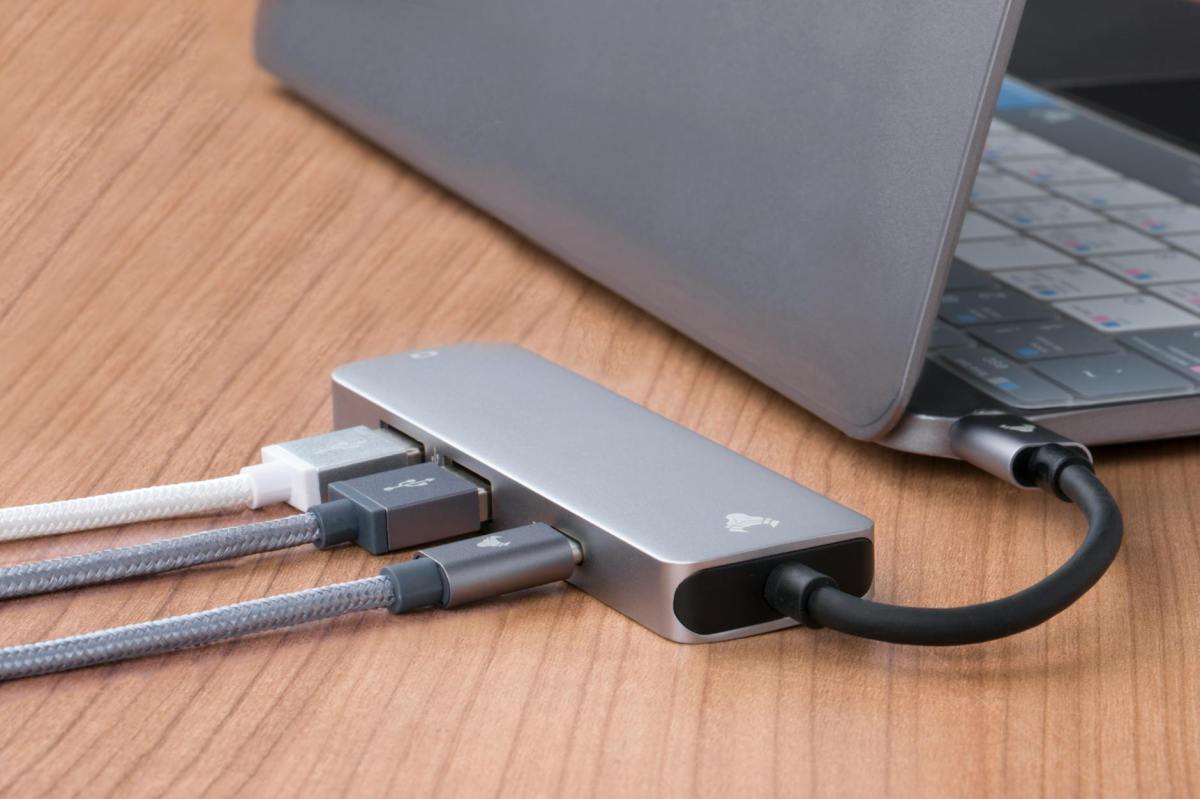
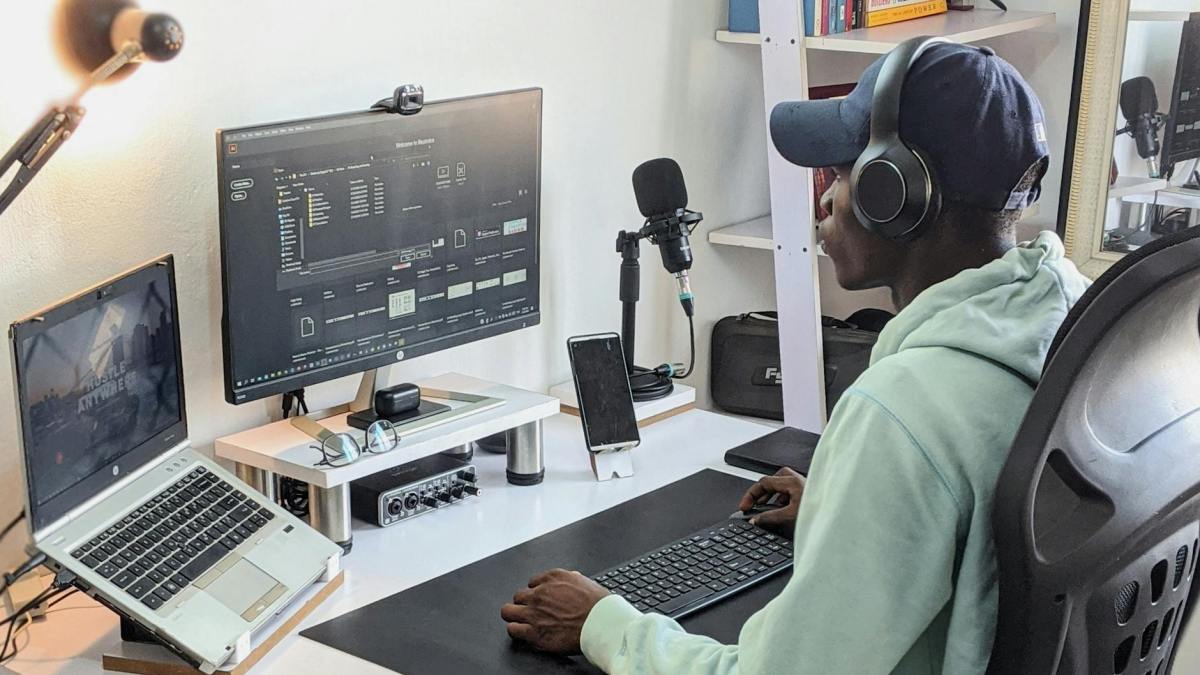
Based on the above criteria, here are some of the best 27-inch and 32-inch monitors currently available within the ₹32,000 budget range:
Note:
- Prices mentioned below may change over time.
- If any of the monitors listed are unavailable, consider checking the manufacturer’s official website or authorized retailers for availability.
- The monitors featured in this list are not ranked in any particular order. They are simply recommendations that meet the selection criteria mentioned earlier.
A. 27″ Monitors (QHD)
1. Lenovo ThinkVision P27Q-40
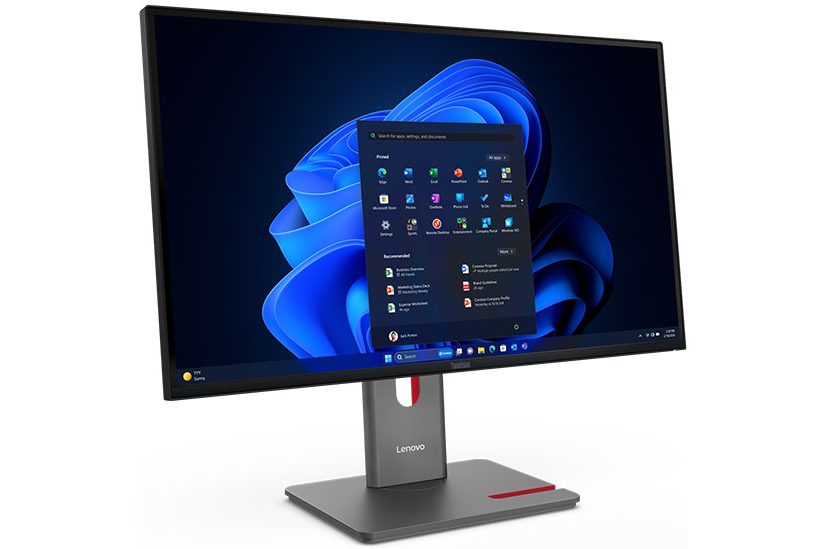
| Resolution: 2560 x 1440 | Brightness: 350 nits |
| Max Refresh Rate: 120 Hz | Contrast Ratio: 1500:1 |
| Color Coverage: 98% DCI-P3, 99% sRGB | |
| Connectivity: 1 x HDMI 2.1, 1 x DP 1.4 (HBR2), 1 x DP 1.4 Out, 1 x USB-B (USB 3.2 Gen 1, Upstream), 3 x USB-A (USB 3.2 Gen 1, incl. 1 x BC 1.2, Downstream), 1 x USB-C (USB 3.2 Gen 1, up to 15W PD, data-only, Downstream) | |
| Warranty: 3 Years | |
2. Lenovo ThinkVision P27QD-40
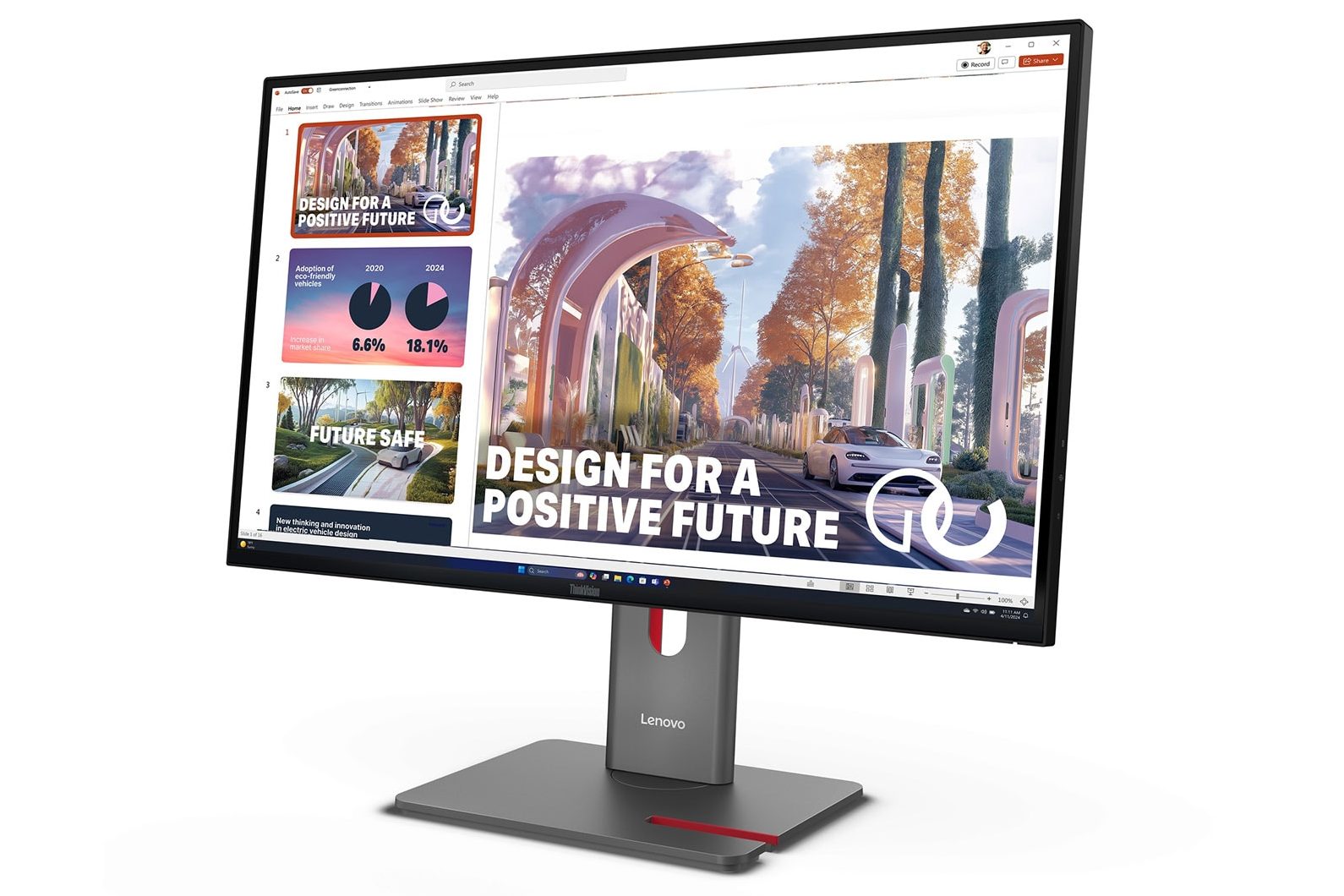
| Resolution: 2560×1440 | Brightness: 350 nits |
| Max Refresh Rate: 120 Hz | Contrast Ratio: 1500:1 |
| Color Coverage: 98% DCI-P3, 99% sRGB | |
| Connectivity: 1xHDMI2.1, 1xDP1.4 (HBR3), 1xDP1.4 Out, 1xUSB-C (USB10 Gbps, 140W PD, DP1.4 HBR3 Alt Mode), 1xUSB-B (USB 5 Gbps, Upstream), 4xUSB-A (USB 5 Gbps, incl. 1xBC 1.2, Downstream), 1xUSB-C (USB 5 Gbps, 15W PD, data only, Downstream), 1xRJ45 (2.5G/1G) | |
| Warranty: 3 Years | |
Some monitors that I considered but did not include are:
There were a few 27-inch QHD monitors that looked promising on paper and were briefly considered for this list. However, I couldn’t find clear details about their average Delta E being under 2, which is important for accurate color work. Rather than making assumptions, I decided to leave them out of the final recommendations.
B. 27″ Monitors (UHD/4K)
1. LG 27UP650K-W
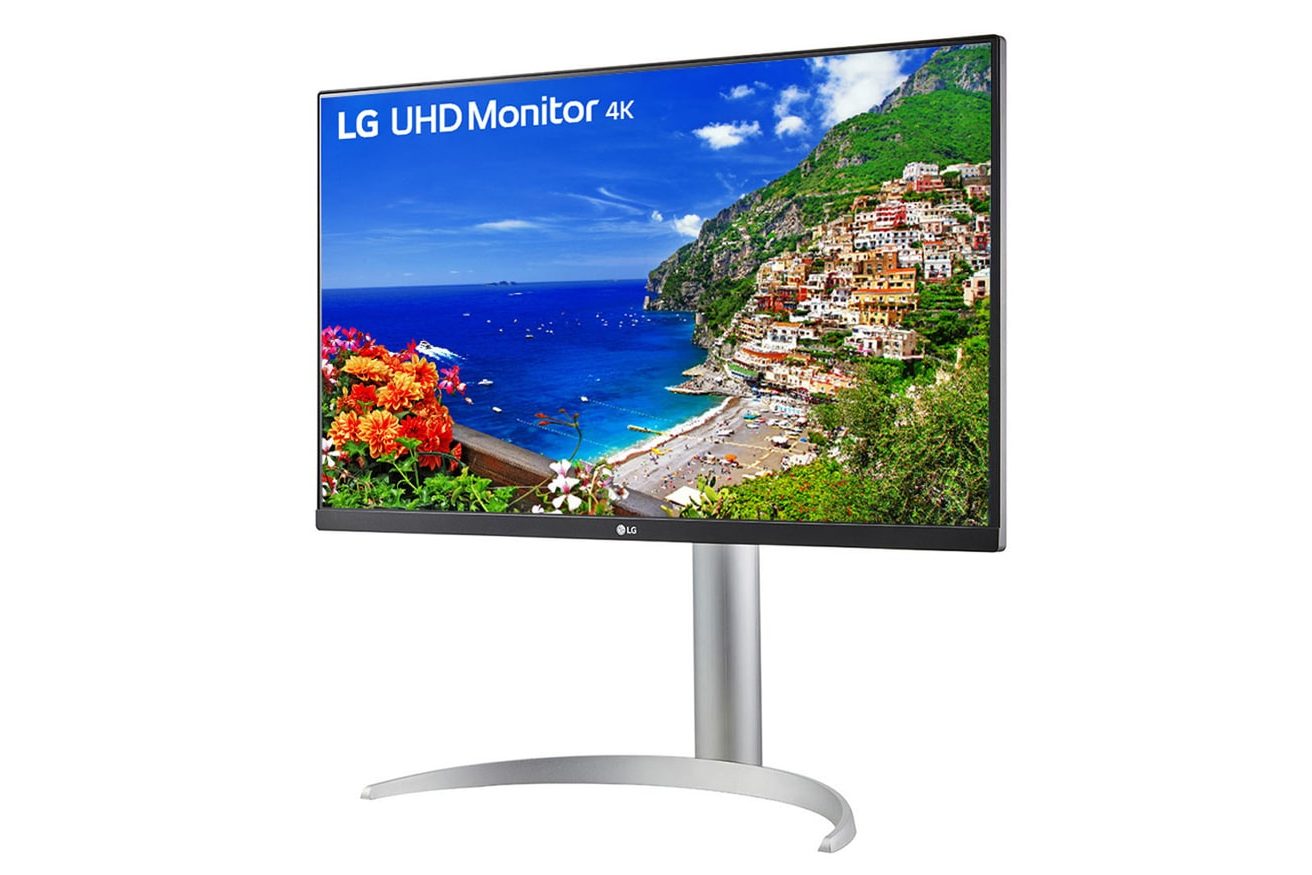
| Resolution: 3840 x 2160 | Brightness: 400 nits |
| Refresh Rate: 60 Hz | Contrast Ratio: 1200:1 |
| Color Coverage: 95% DCI-P3 | |
| Connectivity: 2 x HDMI 2.0, 1 x DP 1.4 | |
| Warranty: 3 Years | |
2. LG 27UP850K-W
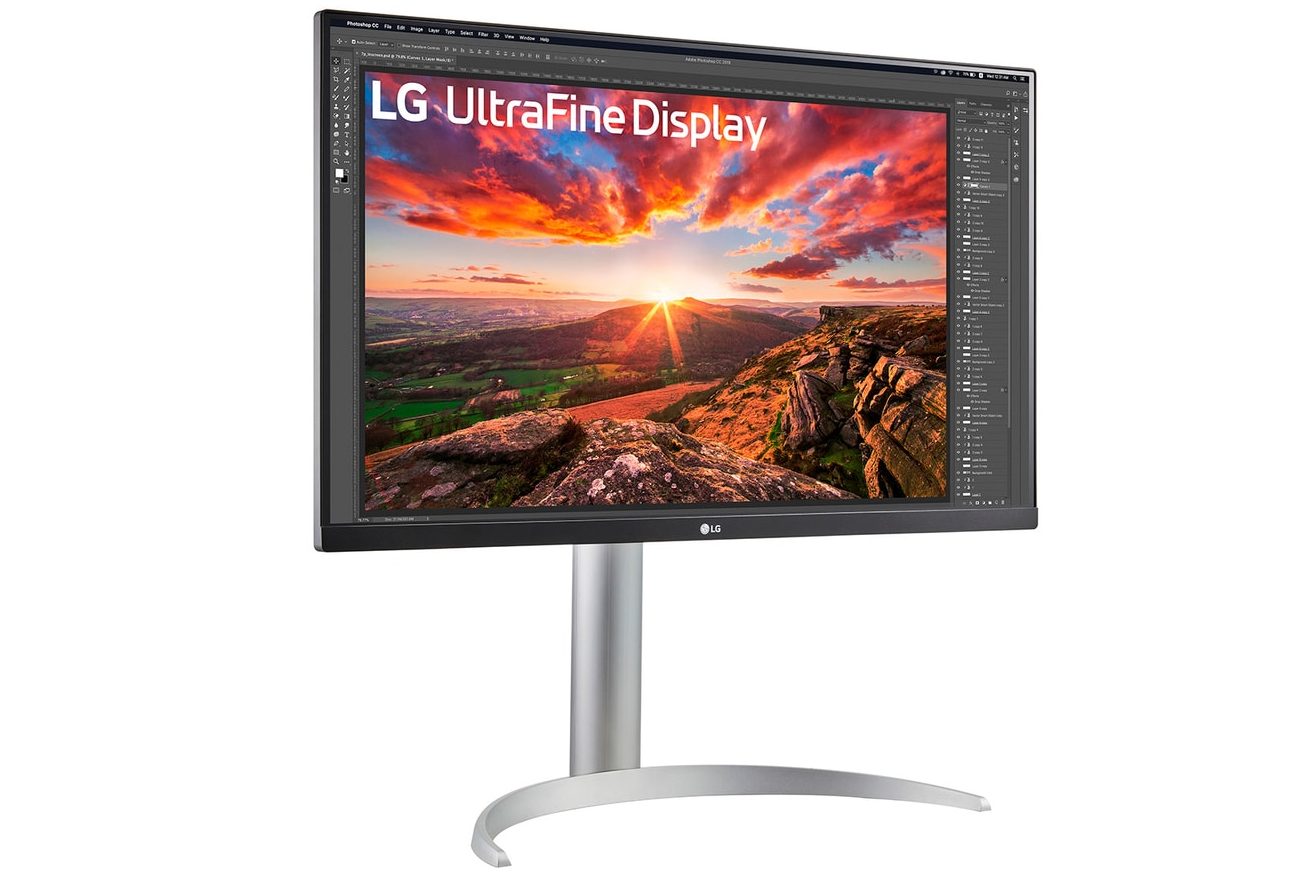
| Resolution: 3840 x 2160 | Brightness: 400 nits |
| Refresh Rate: 60 Hz | Contrast Ratio: 1200:1 |
| Color Coverage: 95% DCI-P3 | |
| Connectivity: 2x HDMI 2.0, 1x DisplayPort 1.4 1x USB-C 3.2 Gen 1 with USB PD 90 W 2x USB-A 3.2 Gen 1 | |
| Warranty: 3 Years | |
3. LG 27UP850N-W
| Resolution: 3840 x 2160 | Brightness: 400 nits |
| Refresh Rate: 60 Hz | Contrast Ratio: 1200:1 |
| Color Coverage: 95% DCI-P3 | |
| Connectivity: 2x HDMI 2.0, 1x DisplayPort 1.4 1x USB-C 3.2 Gen 1 with USB PD 90 W 2x USB-A 3.2 Gen 1 | |
| Warranty: 3 Years | |
Some monitors that I considered but did not include are:
There were a few 27-inch 4K monitors that looked promising on paper and were briefly considered for this list. However, I couldn’t find clear details about their average Delta E being under 2, which is important for accurate color work. Rather than making assumptions, I decided to leave them out of the final recommendations.
C. 32″ Monitors (UHD/4K)
1. Lenovo L32p-30
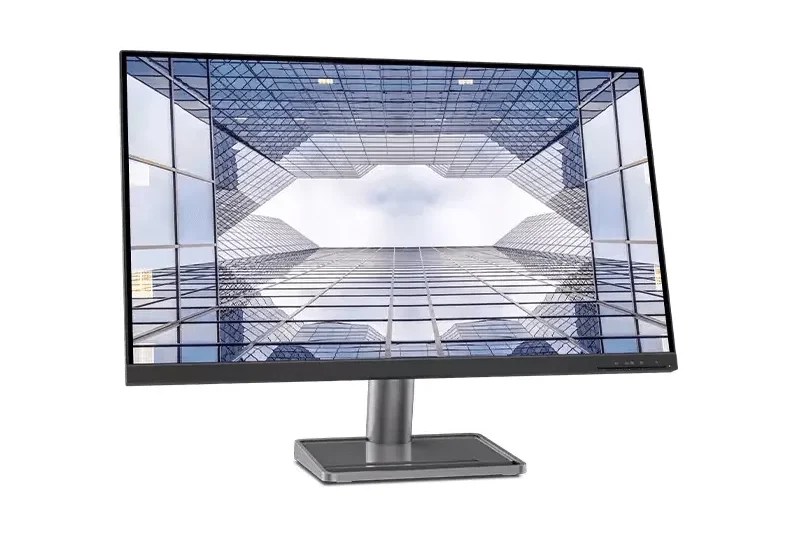
| Resolution: 3840 x 2160 | Brightness: 350 nits |
| Refresh Rate: 60 Hz | Contrast Ratio: 1000:1 |
| Color Coverage: 90% DCI-P3 | |
| Connectivity: 1 x HDMI 2.0, 1 x DP 1.2, 1 x USB Type-C Gen1 (DP1.2 Alt Mode) | |
| Warranty: 3 Years | |
Final Thoughts
This list is based on my personal research and recommendations after comparing various monitors that fit the criteria mentioned earlier in this guide. While several brands were considered during the research process, some were ultimately excluded.
For instance, MSI monitors were part of the initial research, but feedback across the internet regarding their after-sales service did not appear very favorable, which made them harder to recommend with confidence.
Similarly, Acer was also considered, but their monitor lineup proved quite confusing to evaluate. Beyond the complicated naming scheme, their website doesn’t clearly categorize or list monitors in a way that makes comparison easy. Additionally, many models appeared surprisingly cheap for the specifications they advertised, which raised some questions about possible compromises elsewhere. Since there were very few reliable reviews available for the specific models I tried to shortlist, I ultimately decided to exclude Acer from this guide as well.
If you feel that one of your favorite monitors is missing from this list, feel free to mention it in the comments. Some models may not appear here because they didn’t meet the selection criteria outlined earlier, but I’m always open to discovering good alternatives.
Lastly, if you believe my selection criteria could be improved or if I’ve overlooked any important factors, I’d love to hear your thoughts as well. Constructive feedback and suggestions are always welcome.



Leave a Reply