
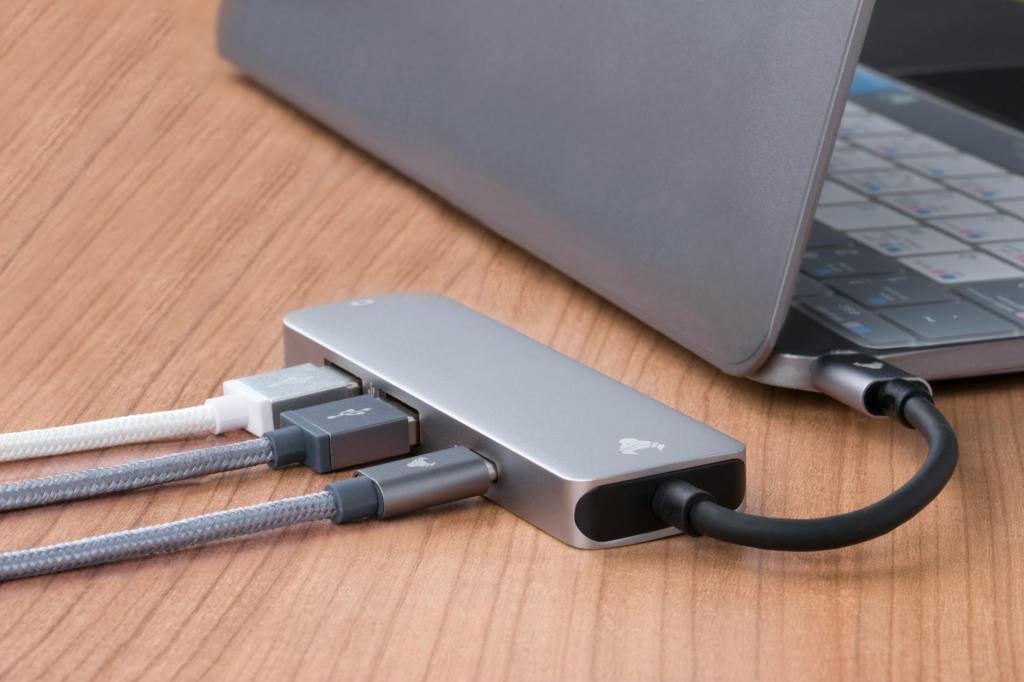
A practical guide to choosing the right USB-C hub or docking station for your needs. Explore reliable options, understand the features that actually matter, and find the right balance of ports, performance, and value for your setup.
Most of the brands mentioned here also offer a wider range of hubs and docks beyond the ones listed, so it’s worth exploring their full lineup.
USB-C Hubs vs Docking Stations
USB-C hubs and docking stations might look similar, but they’re meant for completely different setups.
| USB C Hubs |
|---|
| Compact, portable |
| Adds basic ports (USB-A & USB-C, HDMI, SD card) |
| Ideal for students, travel, casual use |
v/s
| Docking Station |
|---|
| Larger, meant for permanent desk setups |
| Supports multiple monitors, Ethernet, audio and more ports |
| Designed for heavy workflows |
Takeaway: If you just need more ports, get a hub. If you want a desktop setup from your laptop, get a dock.
Which Specs Matter?
- Power Delivery (PD)
- Look for 65W–100W+ passthrough
- This ensures your laptop charges while using the hub
- Display Output
- Avoid 4K@30Hz (feels laggy)
- Prefer 4K@60Hz minimum
- Data Transfer Speeds
- 5Gbps → for basic use
- 10Gbps → better for connecting SSDs, and large file transfers
- Ports That Actually Matter
- HDMI / DisplayPort
- USB-A (for old devices)
- SD card
- Ethernet (optional but useful)
USB-C Hubs
Portable USB-C hubs are designed for users who need extra connectivity from a single USB-C port. They’re typically compact, lightweight, and easy to carry — making them ideal for students, remote workers, or anyone who frequently works on the go.
Despite their small size, modern hubs are surprisingly capable. A single USB-C port can be expanded to support external displays, USB devices, SD cards, and even pass-through charging at the same time. This is especially useful as many modern laptops now come with limited ports, making a hub almost essential for everyday use.
Most hubs keep things simple and practical. You’ll commonly find options with 4 to 8 ports, offering essentials like HDMI, USB-A, and power delivery — without the complexity (or size) of a full docking station. They’re small enough to slip into a laptop sleeve or even a pocket, which makes them perfect for travel or working from different places.
If you’re willing to spend a bit more, you’ll come across hubs that add extra convenience — like SD card slots or Ethernet — which can be really useful depending on your setup.
Now, when it comes to choosing a dependable USB-C hub, brands like Belkin, UGREEN, Kensington, Anker and HP are among the most trusted options, known for their consistent performance and build quality.
Affordable Options:
If you’re on a budget, there are plenty of good USB-C hubs available for under ₹4,000 that cover the basics really well. Most options in this range typically include essential ports like HDMI, a couple of USB-A ports, and USB-C with power delivery for charging.
These hubs are great for everyday use — whether it’s connecting a monitor, plugging in a mouse and keyboard, or simply expanding your laptop’s limited ports. While they may not offer advanced features like Ethernet or SD card slots, they get the job done for most casual users.
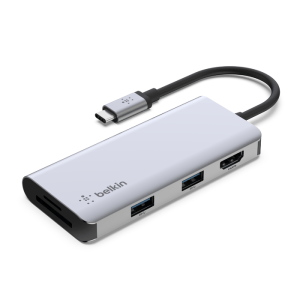
1. Belkin 5-in-1
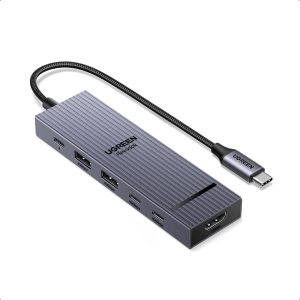
2. UGREEN 6-in-1
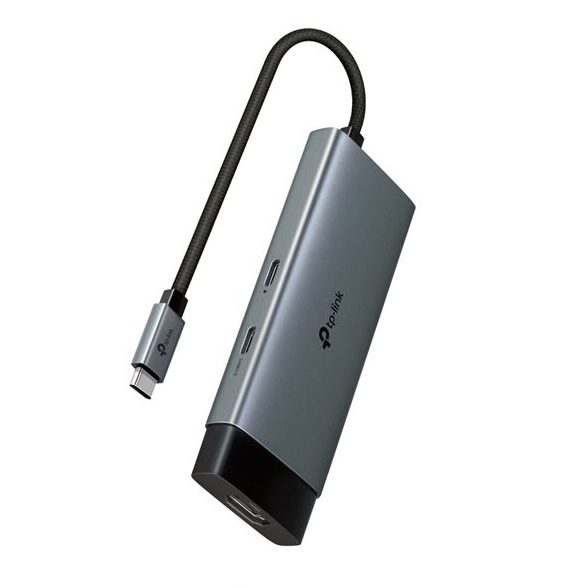
3. TP-Link 5-in-1
Mid-Tier Options:
If you’re willing to spend a bit more, mid-tier USB-C hubs offer a noticeable step up in both features and flexibility. At around ₹6,000–₹11,000, you start getting a more well-rounded selection of ports and better overall usability.
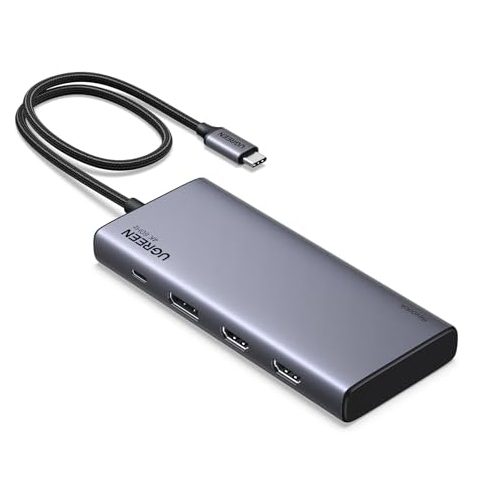
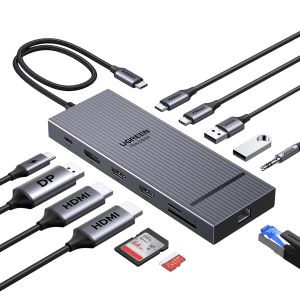
Many hubs in this range offer a more versatile port selection — including DisplayPort, SD card readers (often UHS-I, with UHS-II on select models), and Ethernet.
1. UGREEN 8-in-1
2. UGREEN 12-in-1
Thunderbolt Docks
Docking stations are designed for users who want to turn their laptop into a complete workstation. Unlike portable USB-C hubs, docks are typically used in a fixed setup — allowing you to connect multiple peripherals like monitors, keyboards, external storage, and wired ethernet through a single cable.
They offer more power, more ports, and greater flexibility compared to USB-C hubs. Many modern docking stations also support Thunderbolt, which provides significantly higher bandwidth (up to 40Gbps). While this level of performance is especially useful for tasks like large file transfers or system backups, it also enables support for high-resolution displays — including up to 8K@60Hz or dual 5K@60Hz setups. Overall, this results in smoother multi-monitor performance, faster data transfer speeds, and a more reliable experience for demanding workflows.
You’ll typically find a wider range of ports, better support for dual or triple displays, and higher power delivery, making them ideal for professionals, creators, or anyone working from a fixed setup.
While they are larger and more expensive than standard hubs, docking stations are meant to stay on your desk, acting as a central hub for all your devices and helping keep your setup clean and organised.
For those specifically looking for more powerful Thunderbolt docking solutions, reputable options include Kensington, Belkin, UGREEN, Razer, Anker, CalDigit, Satechi, Plugable, and Lenovo — all of which offer more advanced features suited for demanding setups.
Affordable Suggestions:
1. Dell Thunderbolt Dock
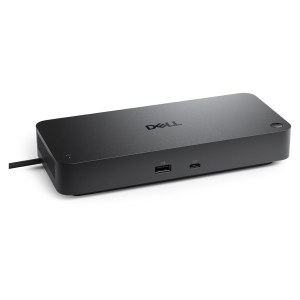
mwave.com.au
2. Lenovo Thunderbolt Dock
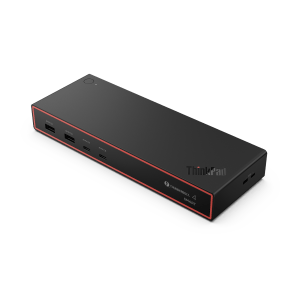
notebookstore.de








Leave a Reply