

When it comes to gaming monitors under ₹25,000, there’s no shortage of options in the market. However, over the past few years, a new niche has started to emerge — gamers who don’t just care about high refresh rates and fast response times, but also want rich and vibrant colors for a more immersive experience.
In story-driven and visually rich games, better colors can make a noticeable difference — from deeper contrasts in dark scenes to more vibrant environments that feel far more lifelike and engaging.
This guide is aimed at exactly that audience—those looking for the best of both worlds. Every monitor listed here covers at least 90% of the DCI-P3 color gamut and 100% of the sRGB gamut. In practical terms, this ensures vibrant, accurate colors for gaming while also making these displays suitable for basic photo and video editing. As a result, these monitors can comfortably double up for everyday productivity tasks as well.
For this list, I’ve focused exclusively on 27-inch 1440p (QHD) IPS panel monitors, as this currently represents the sweet spot for most gamers. Compared to 1080p, 1440p offers a noticeable boost in clarity and detail, enhancing the overall gaming experience. Additionally, IPS panels provide better color accuracy and wider viewing angles compared to VA panels, making them a more versatile choice.
Selection Criteria:
Before we get into the list, here are the key factors I considered while selecting these monitors:
- Color Accuracy and Profiles
Minimum 90% DCI-P3, and 99-100% sRGB coverage for vibrant and wide color reproduction. - Color Depth
Preference was given to monitors supporting full 10-bit color or 10-bit (8-bit + FRC), which can simulate a much wider color range and smoother gradients than standard 8-bit panels. - Refresh Rate
A high refresh rate is essential for smooth gameplay, so only monitors with at least 144Hz (or higher) were considered. - Minimum Brightness
Each monitor included in this guide offers at least 300 nits of brightness, which is generally sufficient for comfortable gameplay and editing in most indoor environments. - Resolution
Given the ₹25K budget, I’ve focused only on QHD options, as they offer the best balance of performance and visual clarity. 4K monitors with good color coverage are hard to find at this price point.
While these monitors offer strong color coverage on paper, it’s important to understand what that actually means in real-world use:
- Most monitors in the under ₹25,000 segment are not factory-calibrated.
- You’ll typically see Delta E values above 2–3, which indicates less precise color accuracy.
- Manual calibration via OSD Menu, software, or hardware may still be required for more serious photo or video editing work.
So, while these displays are excellent for gaming, casual content creation, and learning, they are not a replacement for professional-grade, color-accurate monitors.
But if you want your gaming monitor to look its best or enhance its colors, check out the video below to learn how to make them more punchy and vibrant.
Also check out;
That said, based on the criteria mentioned earlier, here are some of the best IPS gaming monitors under ₹25,000 you can currently consider:
Note:
- Prices mentioned below may change over time.
- If any of the monitors listed are unavailable, consider checking the manufacturer’s official website or authorized retailers for availability.
- The monitors featured in this list are not ranked in any particular order. They are simply recommendations that meet the selection criteria mentioned earlier.
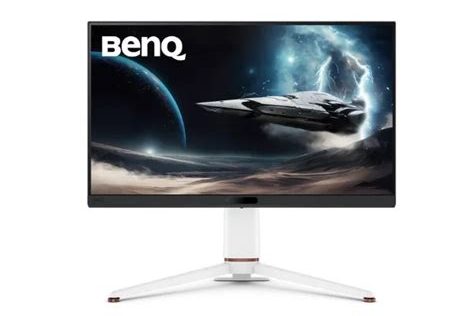
1. BenQ Mobiuz EX271Q
| Resolution: 27″ QHD, w/ HDR10, VESA DisplayHDR 400 | |
| Max Refresh Rate: 180 Hz, 1ms GtG Response Time w/ AMD FreeSync Premium | |
| Contrast Ratio: 1000:1 | Brightness: 400 nits |
| Color Coverage: 95% DCI-P3 | |
| Connectivity: 2 x HDMI 2.0, 1 x DP 1.4, 1 x USB-C (USB 3.2 Gen 1, data-only, Upstream) 2 x USB-A (USB 3.2 Gen 1, power charging 4.5W, Downstream) 1 x USB C (65W PD, DisplayPort Alt Mode, Data) | |
| Warranty: 3 Years | |
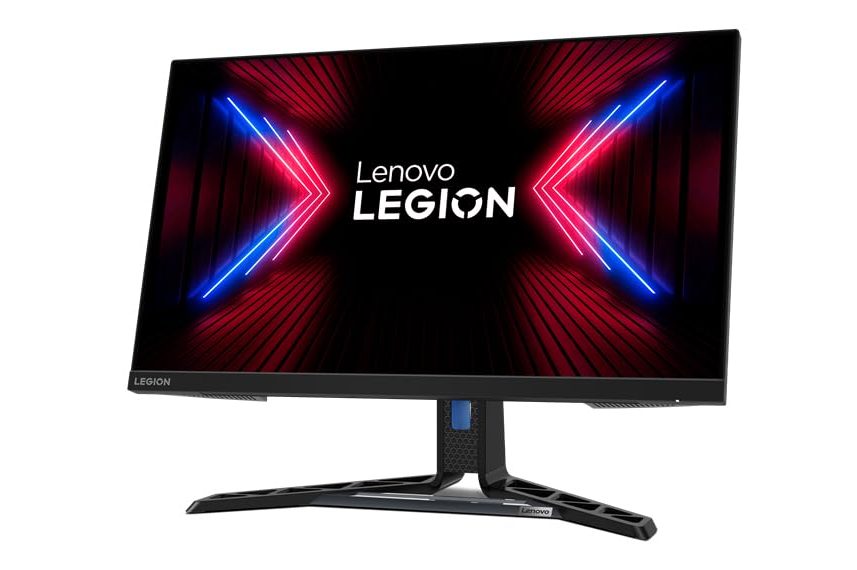
2. Lenovo Legion R27q-30
| Resolution: 27″ QHD, w/ HDR 400 | |
| Max Refresh Rate: 165 Hz (180Hz OC), 1ms GtG Response Time w/ AMD FreeSync Premium | |
| Contrast Ratio: 1000:1 | Brightness: 350 nits |
| Color Coverage: 99% sRGB, 90% DCI-P3 | |
| Connectivity: 2 x HDMI 2.1, 1 x DP 1.4 | |
| Warranty: 3 Years | |
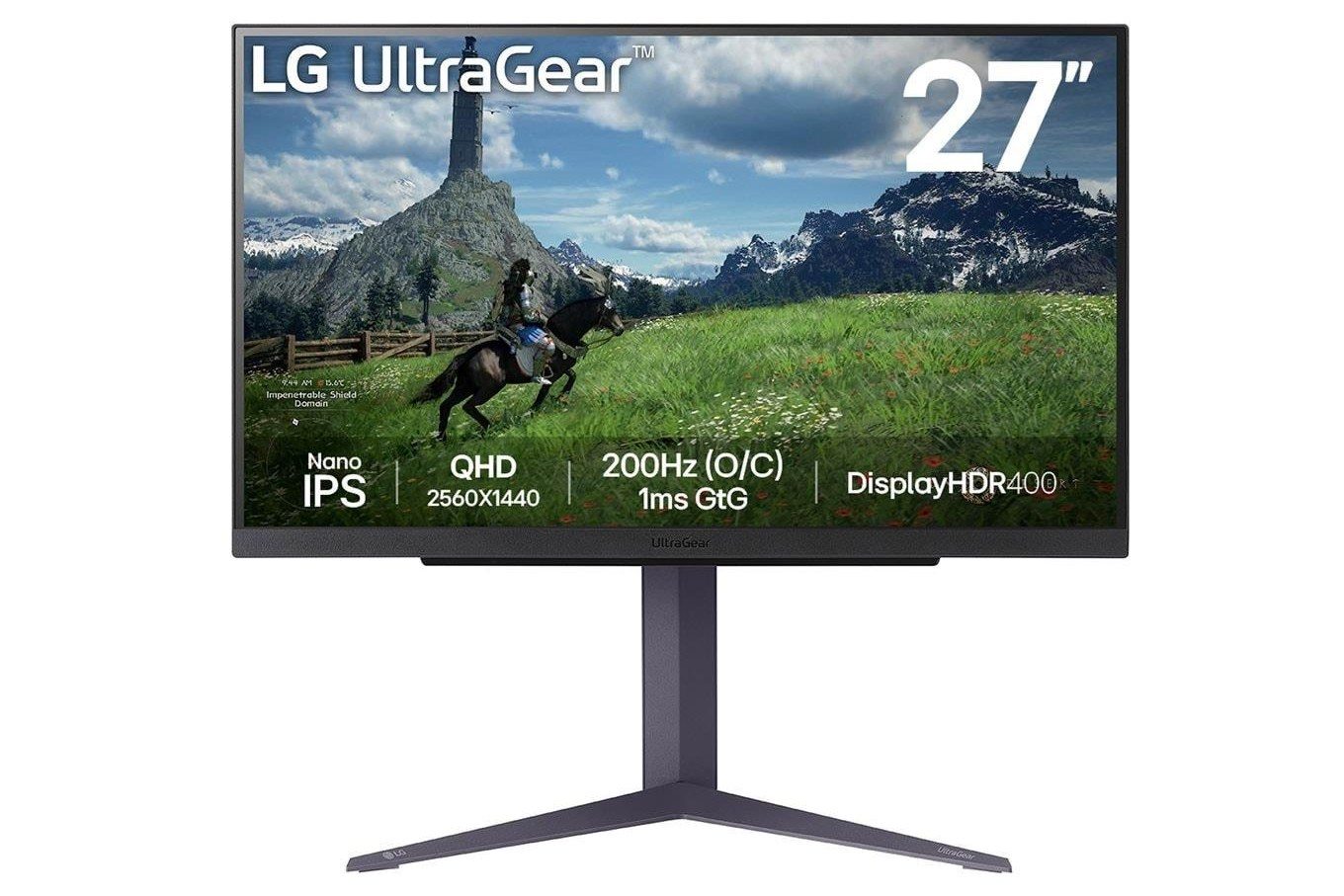
3. LG UltraGear 27GS85Q-B
| Resolution: 27″ QHD, w/ HDR10, VESA DisplayHDR 400 | |
| Max Refresh Rate: 165 Hz (180Hz OC), 1ms GtG Response Time w/ AMD FreeSync, NVIDIA G-Sync | |
| Contrast Ratio: 1000:1 | Brightness: 400 nits |
| Color Coverage: DCI-P3 98% | |
| Connectivity: 2 x USB 2.0 (Type-A; downstream) 1 x USB 3.0 (Type-B; upstream) 2 x HDMI 2.0 1 x DisplayPort 1.4 | |
| Warranty: 3 Years | |
4. LG UltraGear 27GP850-B
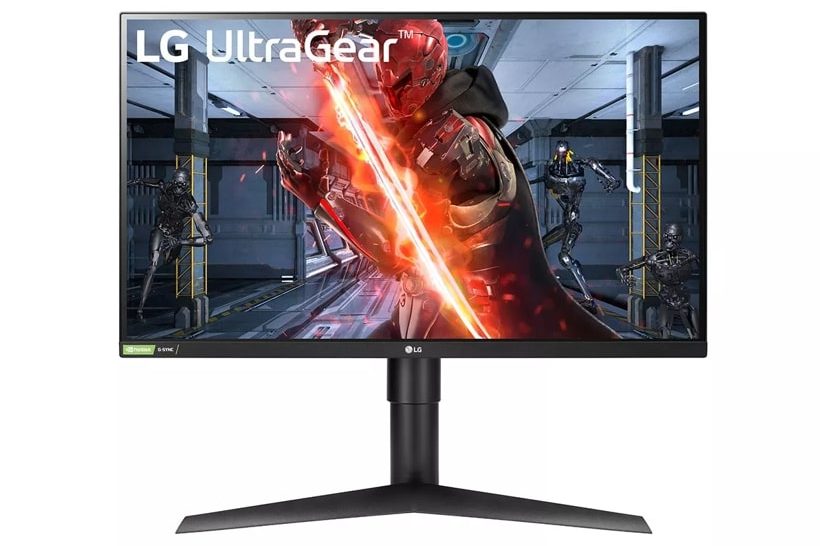
| Resolution: 27″ QHD, w/ HDR10, VESA DisplayHDR 400 | |
| Max Refresh Rate: 180Hz OC, 1ms GtG Response Time w/ AMD FreeSync Premium, NVIDIA G-Sync | |
| Contrast Ratio: 1000:1 | Brightness: 400 nits |
| Color Coverage: DCI-P3 98% | |
| Connectivity: 2 x USB 2.0 (Type-A; downstream) 1 x USB 3.0 (Type-B; upstream) 2 x HDMI 2.0 1 x DisplayPort 1.4 | |
| Warranty: 3 Years | |
5. BenQ EW270Q
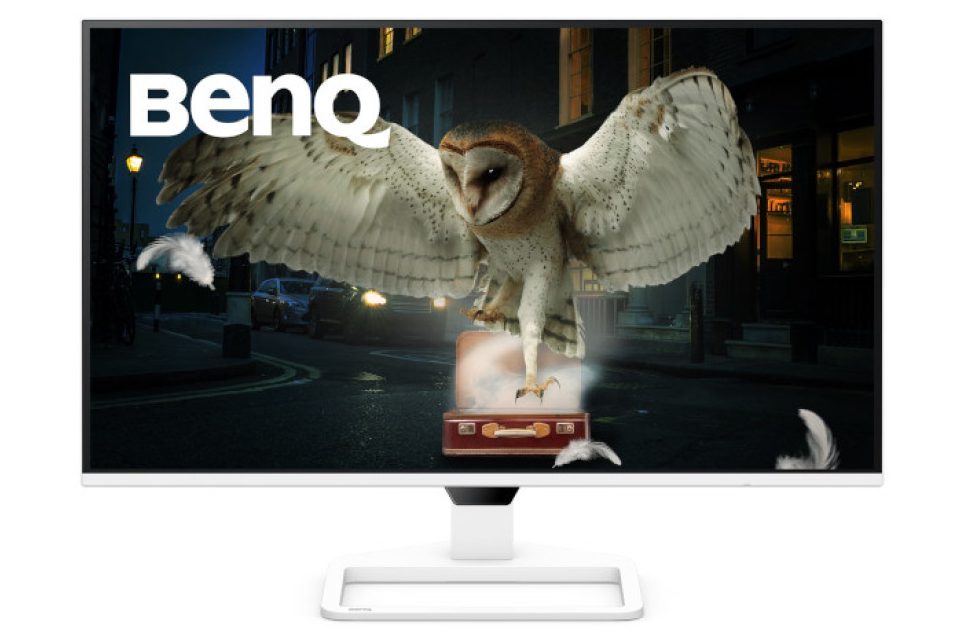
| Resolution: 27″ QHD, w/ HDR10 | |
| Max Refresh Rate: 200Hz, 1ms GtG Response Time w/ AMD FreeSync Premium | |
| Contrast Ratio: 1200:1 | Brightness: 350 nits |
| Color Coverage: DCI-P3 90% | |
| Connectivity: 1 x HDMI 2.0 1 x DisplayPort 1.4 1 x USB C(PD 65W, DisplayPort Alt Mode, Data) | |
| Warranty: 3 Years | |
6. Dell Alienware AW2725DM
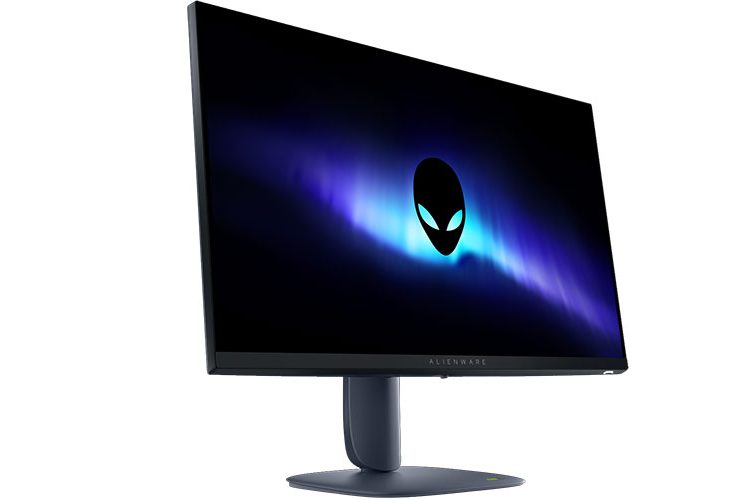
| Resolution: 27″ QHD, w/ VESA DisplayHDR 400 | |
| Max Refresh Rate: 180Hz, 1ms GtG Response Time w/ AMD FreeSync, NVIDIA G-Sync | |
| Contrast Ratio: 1000:1 | Brightness: 400 nits |
| Color Coverage: DCI-P3 95% | |
| Connectivity: 2 x HDMI 2.1 ports (HDCP 1.4 & 2.3) 1 x DisplayPort 1.4 (HDCP 1.4 & 2.3) 2 x USB 5Gbps (Type-A; downstream) 1 x USB 5Gbps (Type-B; upstream) | |
| Warranty: 3 Years | |
Final Thoughts
This list is based on my personal research and recommendations after comparing various monitors that fit the criteria mentioned earlier in this guide. While several brands were considered during the research process, some were ultimately excluded.
For instance, MSI monitors were part of the initial research, but feedback across the internet regarding their after-sales service did not appear very favorable, which made them harder to recommend with confidence.
Similarly, Acer was also part of the research, but their monitor lineup proved difficult to assess. Their website lacks clear categorization, and many listings have incomplete or unclear specifications, making direct comparisons challenging. Additionally, several models appeared unusually cheap for the specs they advertised, which raised concerns about potential compromises elsewhere. Since there were very few reliable reviews for the models I shortlisted (e.g., Acer Nitro XV272K V5), I ultimately decided to exclude Acer from this list as well.
At the end of the day, not every gamer prioritizes color accuracy — but if you do value richer visuals and a more immersive gaming experience, it’s absolutely worth considering.
All the monitors listed here go beyond just offering high refresh rates. They deliver a noticeably better visual experience while still staying within a reasonable budget. For most users, they strike the perfect balance between gaming performance, color quality, and everyday usability.
So instead of choosing purely based on specs, think about how you actually use your monitor — and pick the one that fits your needs the best.





Leave a Reply