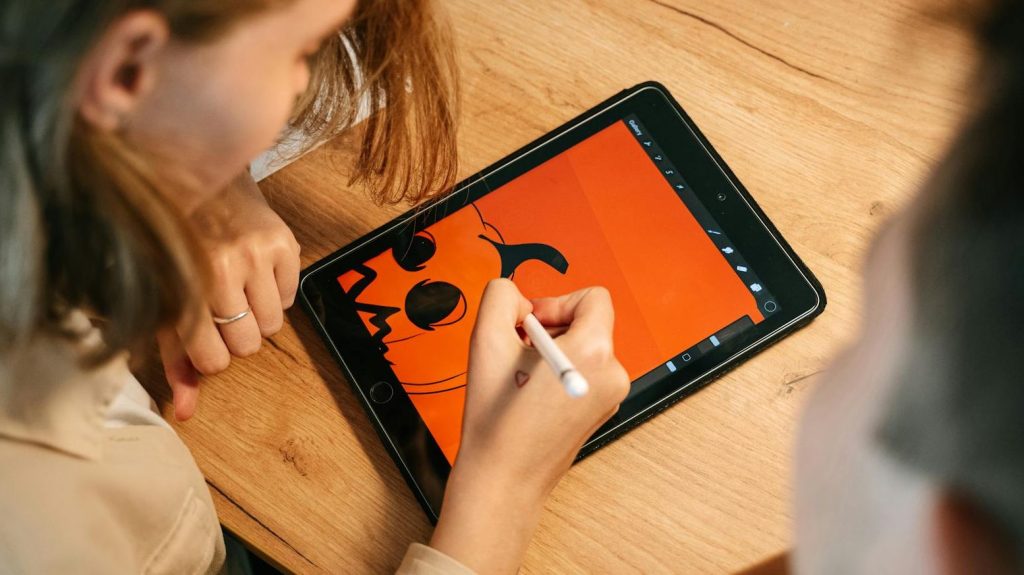
In my earlier post about the best free beginner drawing apps for digital art, I mainly focused on some of the more popular and widely recommended applications that are commonly suggested for new digital artists.
However, while researching and updating that blog post, I came across several lesser-known drawing apps that I initially did not plan to include.
Some of them were not necessarily professional-grade tools. Others lacked the advanced workflows, brush systems, or feature sets found in larger digital art applications. But despite that, a few of these apps still felt genuinely interesting in their own ways.
Some offered a more relaxing and beginner-friendly experience. Others focused on unique art styles like pixel art or infinite canvas sketching. And a few simply felt more approachable for casual users who may not want an overly complicated interface.
That eventually gave me the idea for this blog.
Instead of focusing only on the “best” or most professional drawing apps, I wanted to highlight a few underrated apps that may still have a place for beginners, hobby artists, casual sketchers, or users simply looking for something different.
1. Tayasui Sketches
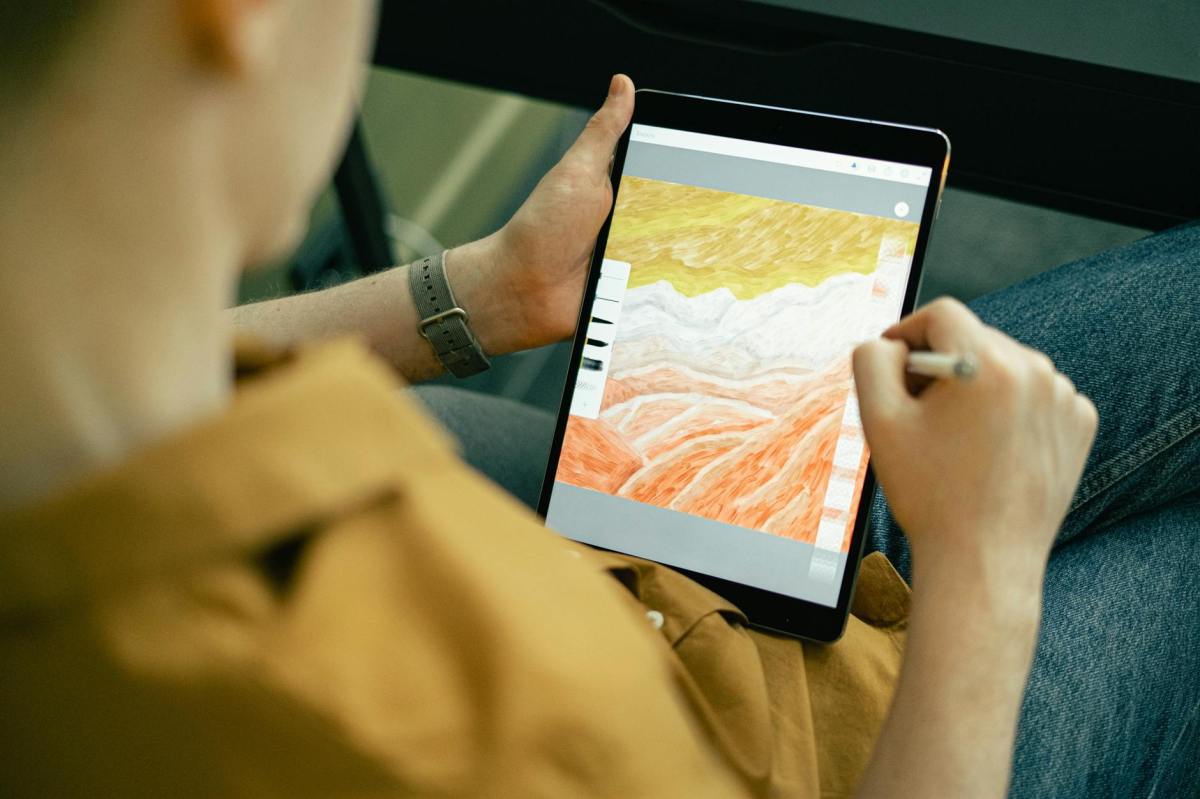
One of the first things you notice about Tayasui Sketches is how clean and calming the interface feels. Unlike many modern art apps packed with countless buttons and menus, this app focuses heavily on simplicity.
The drawing experience feels surprisingly natural, especially when using watercolor brushes, pencils, and ink tools. The app is designed in a way that encourages casual sketching rather than overwhelming users with professional features.
Limitations:
- The free version has limited advanced features, and professional artists may eventually outgrow the app. It also lacks some of the advanced workflow tools found in larger digital art platforms.
- Available on : iPadOS, Android & macOS
2. Infinite Painter
Infinite Painter sits in an interesting middle ground between beginner-friendly simplicity and advanced digital painting tools.
While the app includes professional-style features like layers, perspective guides, blending modes, and customizable brushes, the interface still feels more approachable than many desktop-level drawing applications.
Limitations:
- Some advanced features are locked behind a paywall, and complete beginners may still need some time to understand all the available tools.
- The free version also limits users to working with only 3 layers at a time.
For users who eventually want to improve their digital art skills seriously, Infinite Painter can serve as a great stepping stone before transitioning into more advanced software later.
- Available on : iPadOS & Android
3. Art Set 4
Art Set 4 feels very different from traditional digital drawing apps. Instead of focusing heavily on productivity and technical workflows, the app tries to recreate the feeling of real painting materials.
Brush strokes, paint textures, and blending effects often resemble physical art tools more than standard digital brushes. For users who enjoy experimenting with paint textures and artistic effects, Art Set 4 can feel surprisingly immersive.
Limitations:
- Almost 90% of the app’s features and tools are locked behind a paywall, which can feel difficult to justify given how niche the app itself is.
- The free version also limits users to only a single layer.
- Another frustrating limitation is that you cannot adjust the brush and eraser sizes freely in the free version.
- Additionally, the eyedropper tool is locked behind the premium version, there is no proper color wheel available, and the app also lacks an easy way to quickly reselect previously used colors.
Despite all those restrictions, the app’s realistic paint simulation and artistic presentation still make it an interesting creative experience for casual experimentation.
- Available on : iPadOS only
4. Concepts
Concepts is one of the most unique apps on this list because it focuses heavily on infinite canvas drawing.
Instead of working on fixed-size pages, users can continuously zoom, expand, and sketch ideas freely across a massive workspace. This makes the app especially useful for brainstorming, concept sketches, architecture drafts, mind maps, and creative planning.
Limitations:
- Artists looking for a more traditional drawing and painting experience may eventually find the app limiting.
However, for creative ideation and freeform sketching, Concepts still offers one of the most unique experiences available.
- Available on : iPadOS, Android & Windows
5. AmberDraw
AmberDraw is probably one of the most unusual apps on this list, and honestly, the main reason I wanted to include it here is because of its unique brushes.
I originally learned about this app from a video by viyaura on YouTube, and the brushes immediately stood out to me.
The app includes several moving brush stroke effects that feel very different from traditional digital painting brushes. What makes them even more interesting is that many of these brushes are highly customizable, allowing users to create some genuinely fun and stylized artwork.
In a strange way, the overall style actually reminds me of those classic “Draw My Life” videos that used to be popular on YouTube years ago.
Limitations:
- The app lacks many advanced professional tools and may feel too limited for detailed illustration work.
- Available on : iPadOS only
6. Pixesquare
Not everyone wants to create realistic digital paintings. Some users enjoy retro-inspired pixel art, and that is where Pixesquare becomes interesting.
The app focuses on pixel-based artwork, making it suitable for beginners interested in game-style sprites, retro aesthetics, and simple pixel animations.
Limitations:
- Pixel art is a niche art style, so the app may not appeal to users also looking for traditional sketching.
- Available on : iPadOS only
These Apps Are Not “The Best” – And That’s Completely Fine
Not every drawing app needs to become an industry-standard professional tool.
Some apps are designed to help users relax, experiment creatively, learn basic art skills, or simply enjoy drawing casually without dealing with complicated interfaces and advanced workflows.
And honestly, that simplicity can sometimes make digital art feel more approachable for beginners.




Leave a Reply