
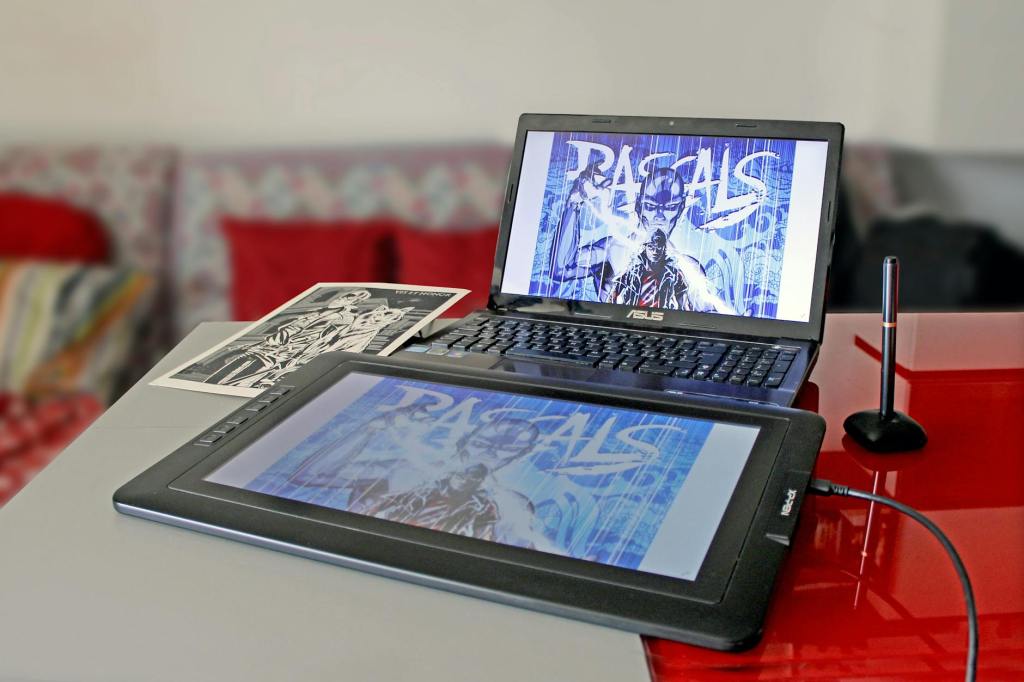
For people who mainly prefer full desktop applications for drawing, sketching, or animation, getting a pen display is the way to go. A pen display is essentially an external monitor that connects to your PC or Mac and lets you draw directly on the screen using a stylus. While some higher-end models also support touch input, most pen displays under ₹30,000 ($300) focus mainly on stylus support instead.
For this list, I decided to keep things simple and focus on beginner-friendly options, which is why the budget is capped at ₹30,000 ($300). Once you become more experienced and comfortable with digital art workflows, you can then consider stepping into the professional range beyond this price segment.
And unlike Android tablets or iPads, almost all pen displays come with dedicated customizable buttons and shortcut keys that can be mapped to different functions for a smoother drawing experience. These shortcuts can be used for actions like undo, zoom, brush size adjustment, switching tools, or rotating the canvas, making sketching and illustration workflows much faster and more convenient.
With that said, let’s move on to the list and check out some of the best pen displays you can buy under ₹30,000 ($300).
- When buying a pen display, make sure to also get a proper multi-angle stand, as it makes drawing and sketching far more comfortable during longer sessions.
- For this list, I went through the pen display line-ups from XP-Pen, Wacom, Huion, and Xencelabs, and shortlisted their options mainly based on reviews and feedback from artists and illustrators who have actually used them.
- All tablets listed here are recommended or tested by artists and illustrators such as Brad Colbow, so these recommendations are genuinely aimed at artists and creators.
Note:
1. The prices of the tablets listed may change occasionally. The prices below reflect typical online retail prices.
2. Some tablets in this list may not include a stylus in the box and may need to be purchased separately.
12-inch Pen Displays
1. XP-Pen Artist 12 2nd Gen
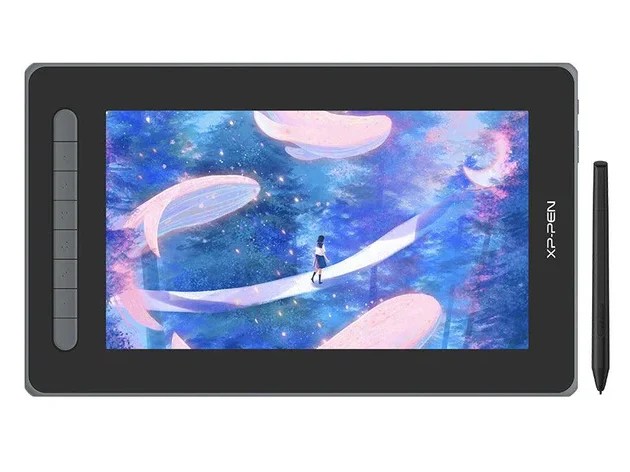
| Screen Size: | 11.9 inch, Full HD 220 nits |
| Laminated Display: | Yes |
| Color Gamut: | 90% NTSC, 127% sRGB, 94% Adobe RGB |
| Shortcut Controls: | Yes |
| Best For: | Beginners |
2. XP-Pen Artist 12 3rd Gen
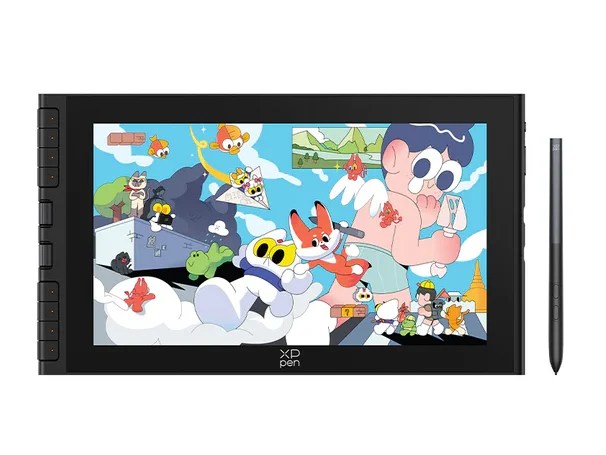
| Screen Size: | 11.9 inch, Full HD 260 nits |
| Laminated Display: | Yes |
| Color Gamut: | 99% sRGB, 97% Adobe RGB, 97% DCI-P3 |
| Shortcut Controls: | Yes |
| Best For: | Compact Setup |
13-inch Pen Displays
1. Huion Kamvas 13
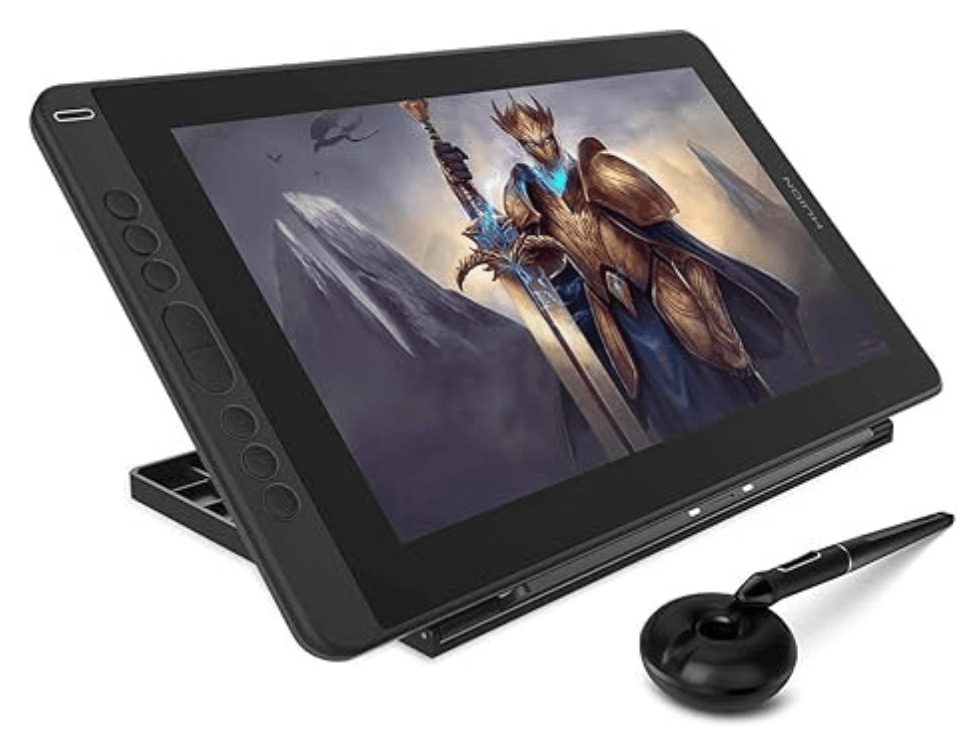
| Screen Size: | 13.3 inch, Full HD 220 nits |
| Laminated Display: | Yes |
| Color Gamut: | 120% sRGB |
| Shortcut Controls: | Yes |
| Best For: | Budget Setup |
2. Huion Kamvas 13 (Gen 3)
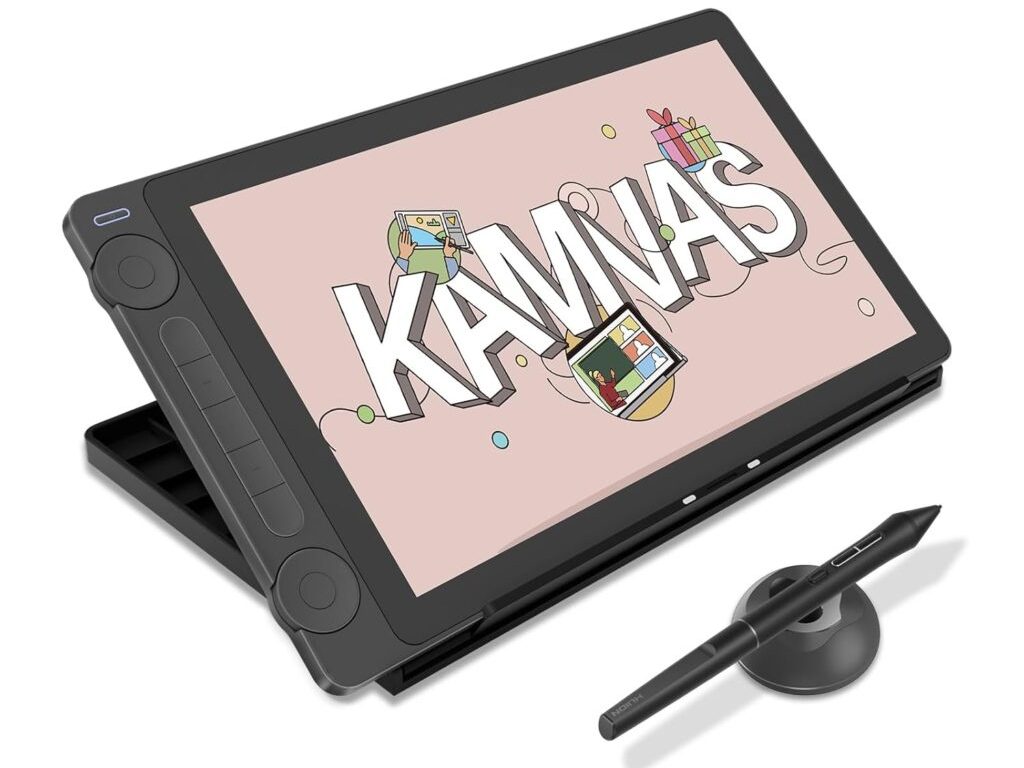
| Screen Size: | 13.3 inch, Full HD 220 nits |
| Laminated Display: | Yes |
| Color Gamut: | 99% of the sRGB |
| Shortcut Controls: | Yes |
| Best For: | Top-Tier Stylus Performance |
3. Huion Kamvas Pro 13 2.5k
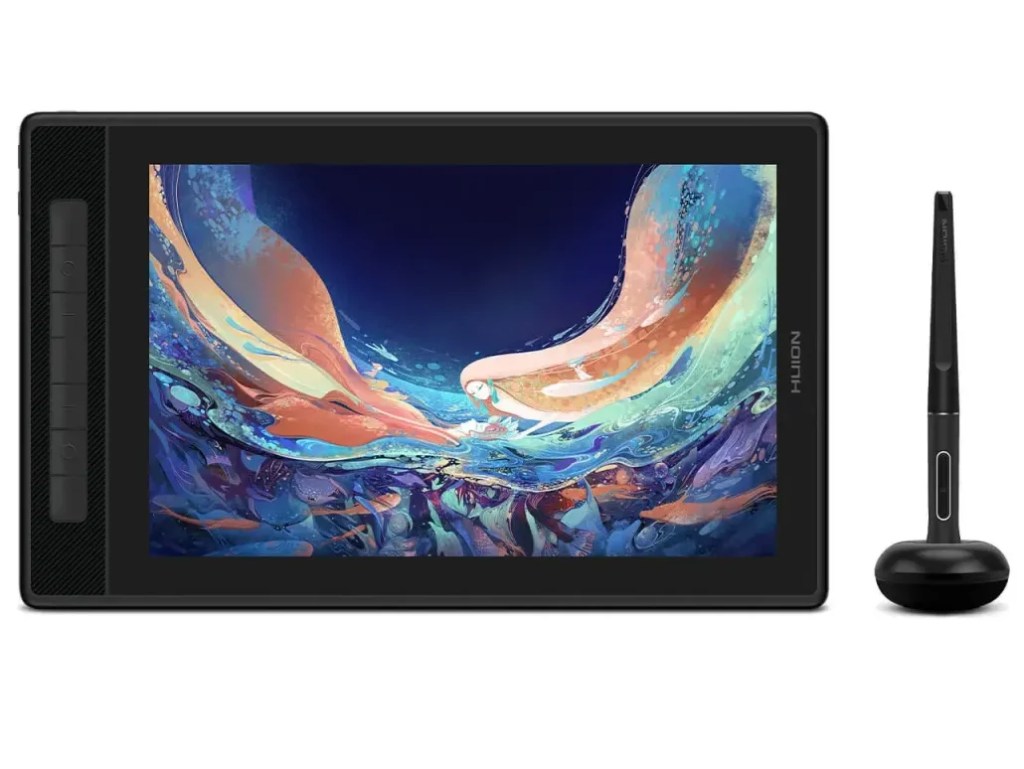
| Screen Size: | 13.33 inch, QHD+ 220 nits |
| Laminated Display: | Yes |
| Color Gamut: | 145% sRGB, 109% Adobe RGB |
| Shortcut Controls: | Yes |
| Best For: | Display Quality |
16-inch Pen Displays
1. Huion Kamvas 16 (2021)
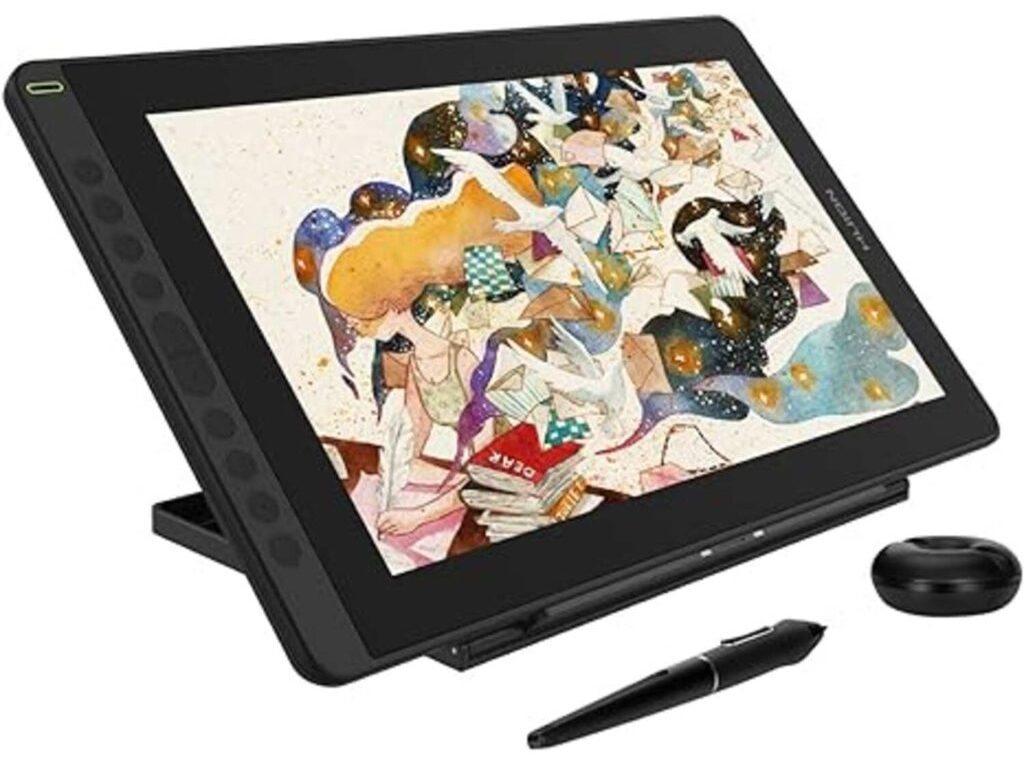
| Screen Size: | 15.5 inch, Full HD 220 nits |
| Laminated Display: | Yes |
| Color Gamut: | 120% sRGB |
| Shortcut Controls: | Yes |
| Best For: | Affordable Large-Screen Drawing |
Honorable Mentions:
Since very few artists or illustrators have properly reviewed these pen displays, I cannot confidently comment on how good their actual drawing experience is or how they compare to the options mentioned above.
On paper, their specifications do look promising, which is why they deserve an honorable mention.
1. XP-Pen Artist 13.3 Pro V2
A solid pen display priced around ₹23,000 ($230) that comes with XP-Pen’s newer X3 Pro Smart Chip stylus and supports 16K levels of pressure sensitivity.
2. XP-Pen Artist 15.6 Pro V2
A larger 15.4-inch pen display that also features XP-Pen’s newer X3 Pro Smart Chip stylus for an improved drawing experience.



Leave a Reply